
Imagine video in Grok
Which Grok plans have Imagine video?
Teams and Enterprise: Yes. Free, Plus, Premium, Super and Ultra: Not checked yet*.
Your plan
We haven't checked whether Imagine video is in Grok Free.
We haven't checked whether Imagine video is in Grok Plus.
We haven't checked whether Imagine video is in Grok Premium.
We haven't checked whether Imagine video is in Grok Super.
We haven't checked whether Imagine video is in Grok Ultra.
Yes. Grok Teams has Imagine video.
Yes. Grok Enterprise has Imagine video.
Tell us your plan to see the answer for it.
In each plan
Source for the checked plans: Pricing: Compare Plans, checked on 20 Oct 2026
Step by step
Open Imagine and click the video icon.
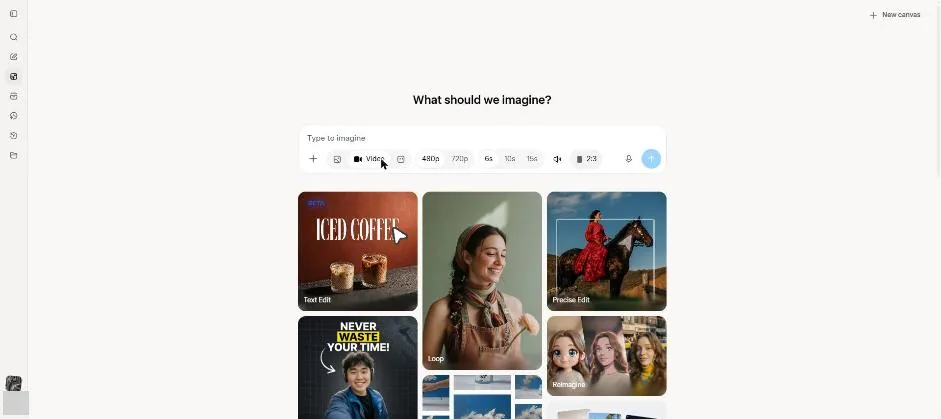
You see the video resolution, length, sound and shape controls.
Select 720p and type the bakery video request.
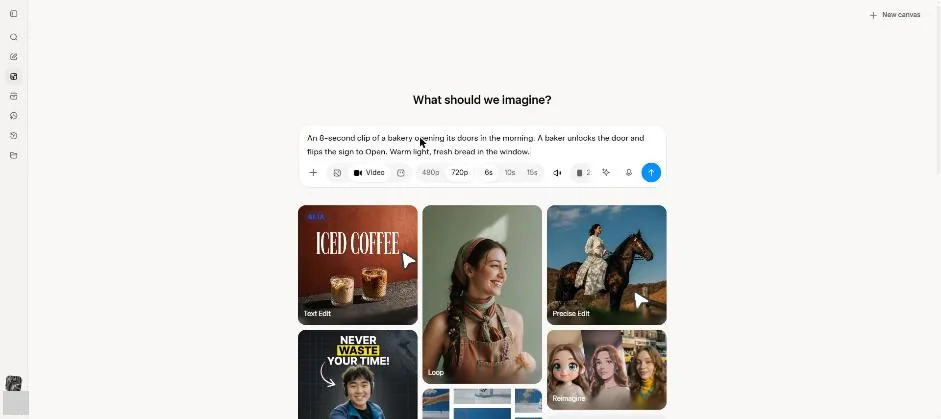
Click the send arrow.
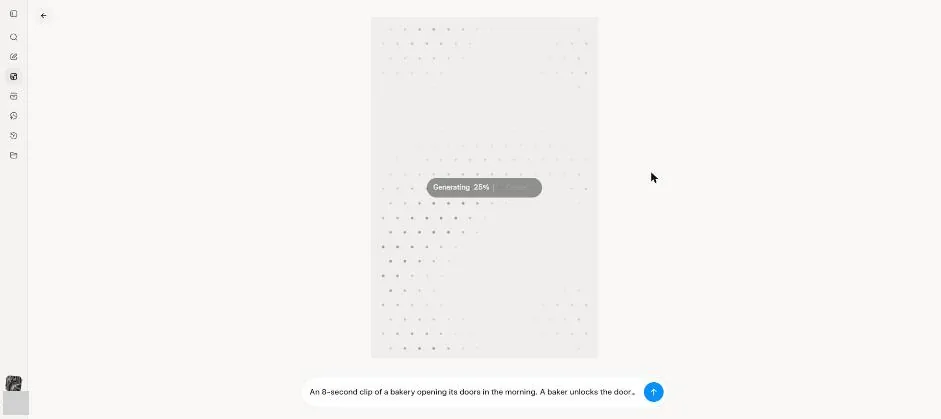
You see a Generating progress message.
Wait about 1 minute.
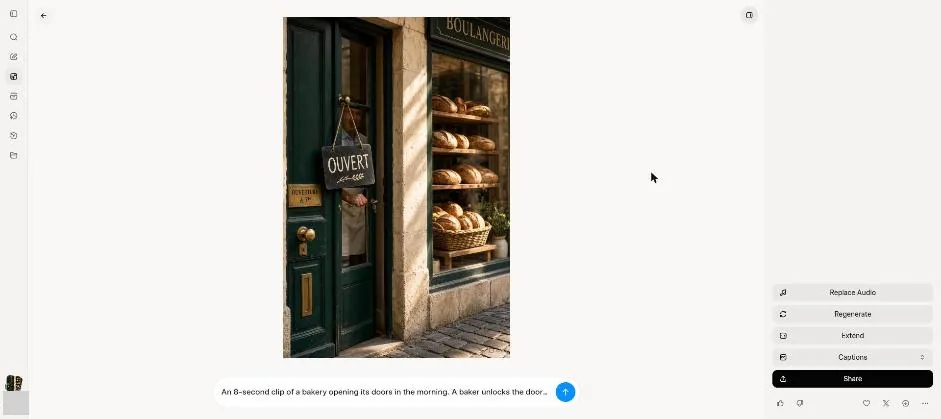
You see the bakery video with a green door, sign and bread window.
Wait a few seconds.
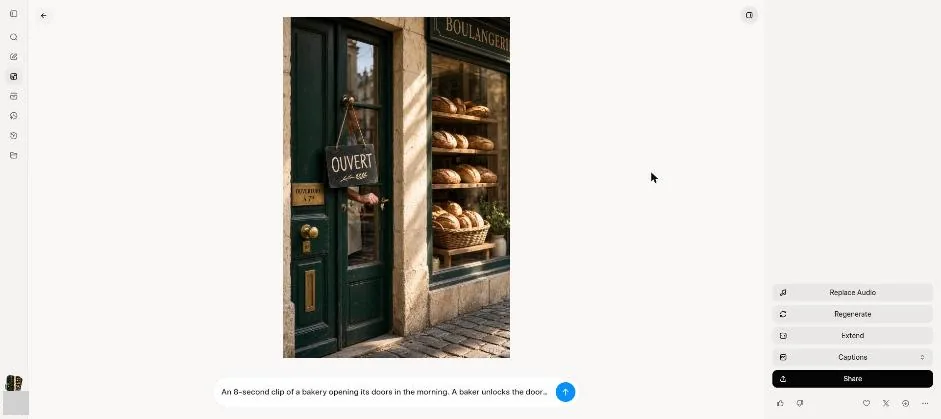
You see a later video frame with the door and sign moved.
Click a picture to see it full size.