
Imagine images in Grok
Which Grok plans have Imagine images?
Teams and Enterprise: Yes. Free, Plus, Premium, Super and Ultra: Not checked yet*.
Your plan
We haven't checked whether Imagine images is in Grok Free.
We haven't checked whether Imagine images is in Grok Plus.
We haven't checked whether Imagine images is in Grok Premium.
We haven't checked whether Imagine images is in Grok Super.
We haven't checked whether Imagine images is in Grok Ultra.
Yes. Grok Teams has Imagine images.
Yes. Grok Enterprise has Imagine images.
Tell us your plan to see the answer for it.
In each plan
Source for the checked plans: Pricing: Compare Plans, checked on 20 Oct 2026
Step by step
Open Imagine, select image mode and type the birthday card request.
A birthday card picture: a smiling cartoon bear wearing a red party hat, balloons, simple flat style.
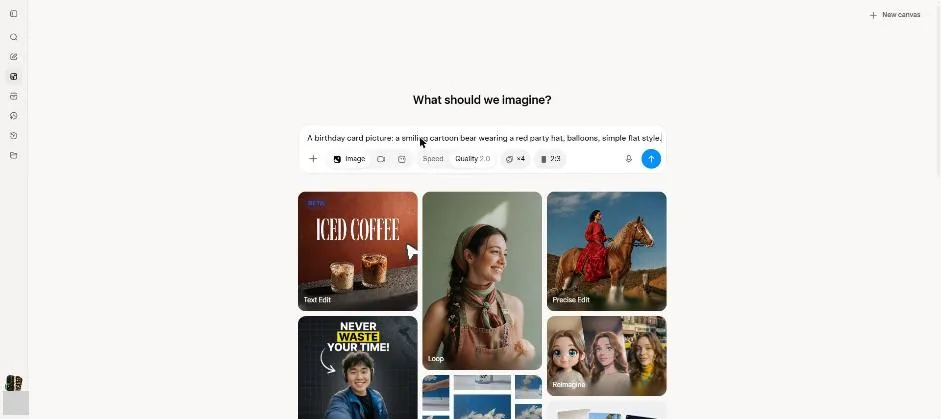
Send the image request.
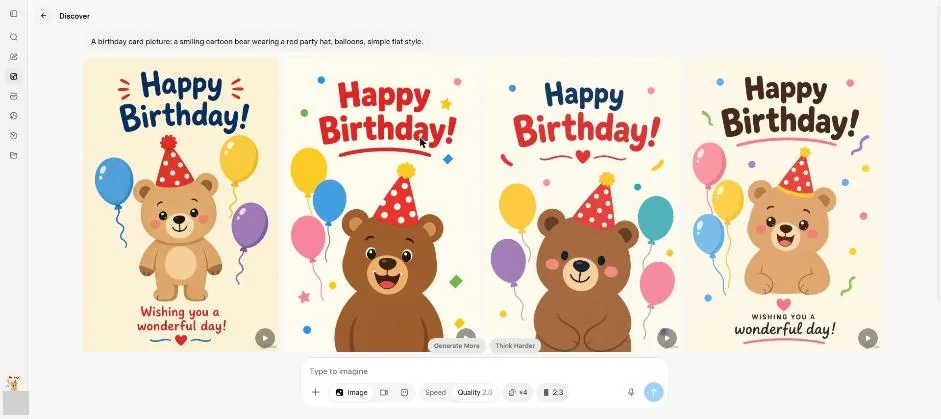
You see four birthday card pictures.
Open the first picture.
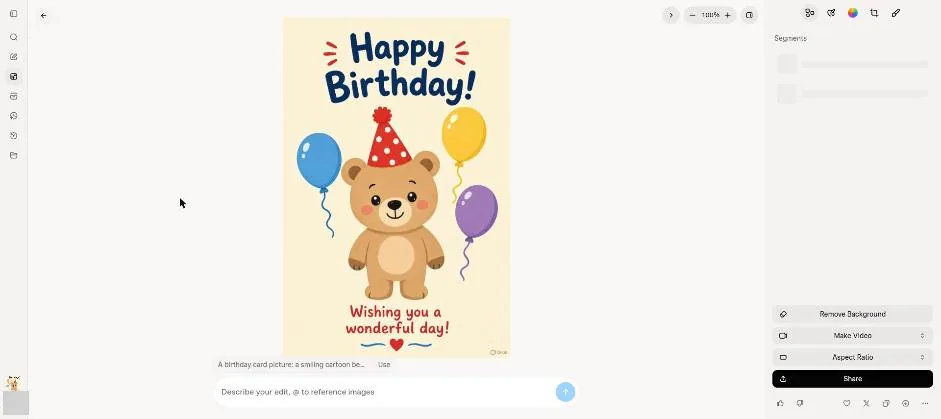
You see the opened picture and image editing tools.
Ask to change only the hat colour to blue.
Change only the hat colour to blue.
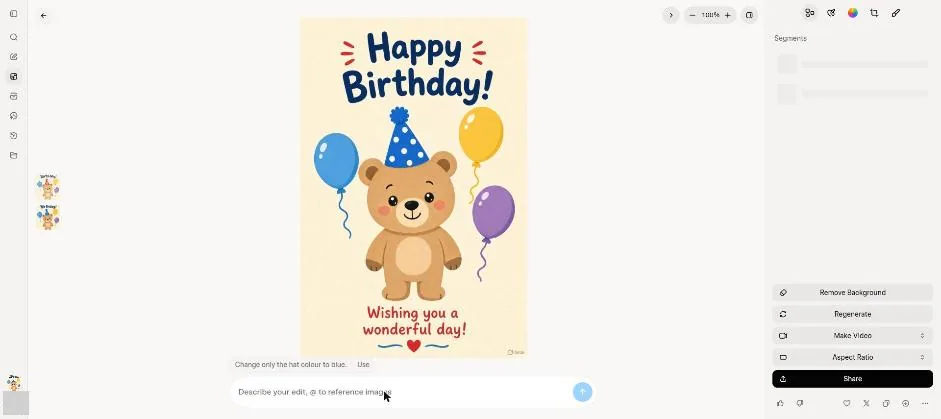
You see the bear wearing a blue hat.
Click a picture to see it full size.