
Grok Build (in chat) in Grok
Which Grok plans have Grok Build (in chat)?
Premium, Super, Ultra and Enterprise: Yes. Free, Plus and Teams: Not checked yet*.
Your plan
We haven't checked whether Grok Build (in chat) is in Grok Free.
We haven't checked whether Grok Build (in chat) is in Grok Plus.
Yes. Grok Premium has Grok Build (in chat).
Yes. Grok Super has Grok Build (in chat).
Yes. Grok Ultra has Grok Build (in chat).
We haven't checked whether Grok Build (in chat) is in Grok Teams.
Yes. Grok Enterprise has Grok Build (in chat).
Tell us your plan to see the answer for it.
In each plan
Source for the checked plans: Pricing: Compare Plans, checked on 20 Oct 2026
Step by step
Open the mode menu and select Build.
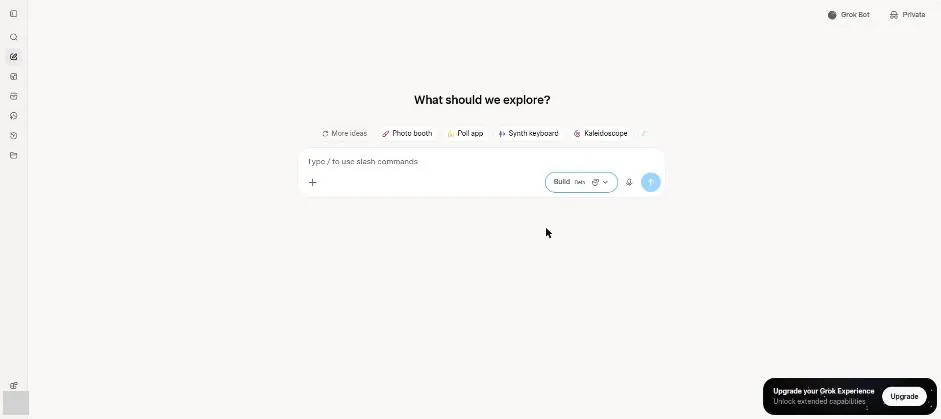
You see Build mode with a Beta label and idea chips.
Type the school bake sale website request.
Build a one-page website for a school bake sale. Saturday 10 am, school hall. Three items with prices: cookies $2, brownies $3, lemon cake $4. Friendly colours.
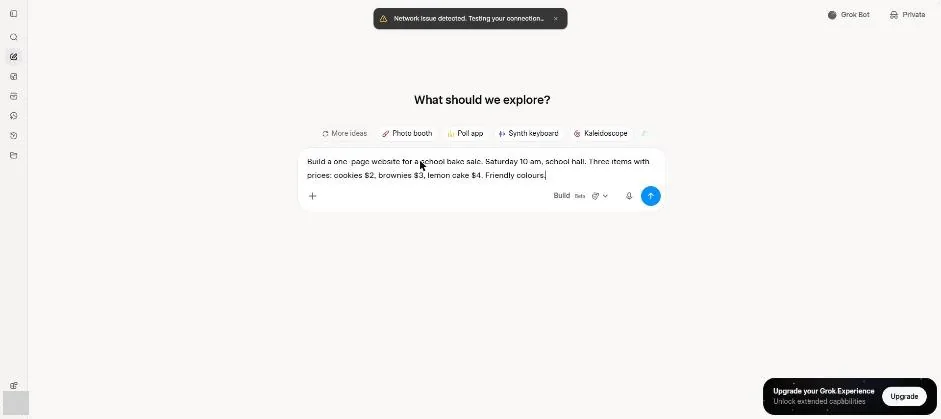
Send the website request.
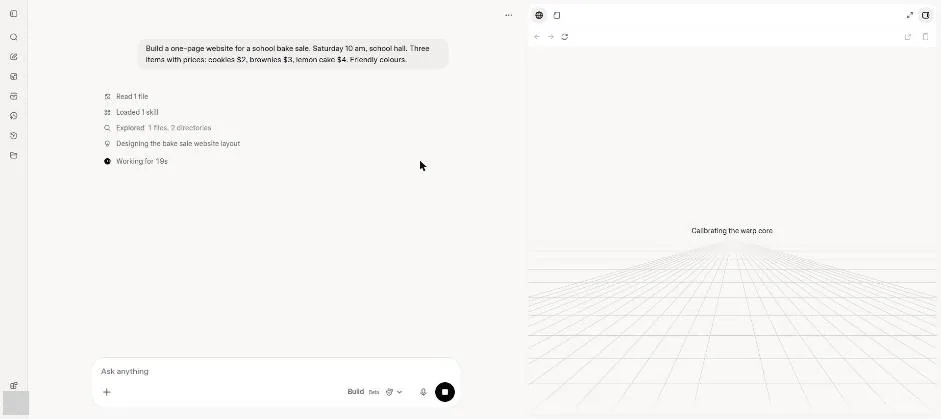
You see Grok working through the website build steps.
Wait about 6 minutes.
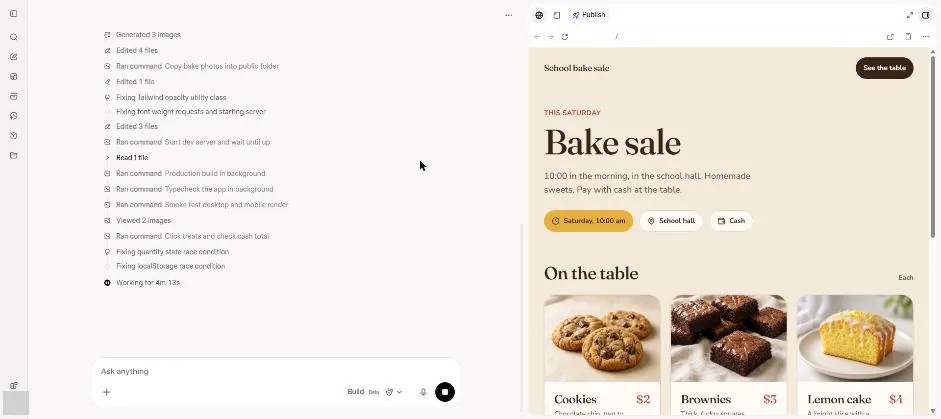
You see the bake sale website preview with food cards.
Ask to change only the page background to light green.
Change only the page background colour to light green. Do not change anything else.
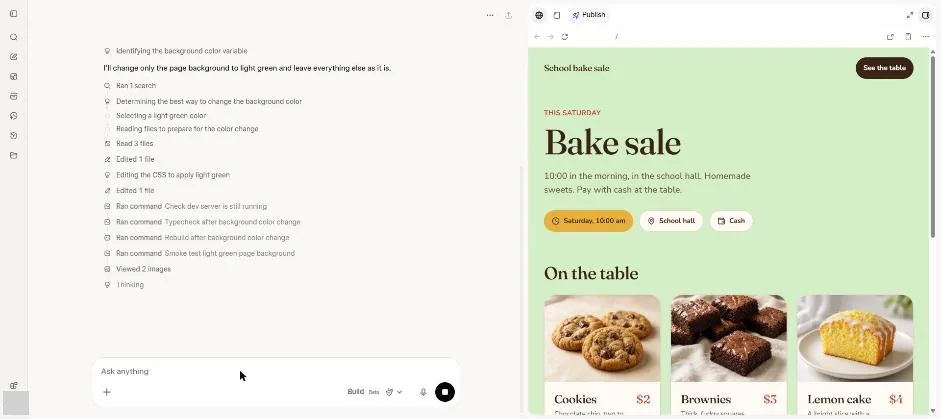
You see the website preview with a light green background.
Click a picture to see it full size.