
Share a conversation in Grok
Which Grok plans have Share a conversation?
Plus, Premium, Super and Ultra: Yes. Free, Teams and Enterprise: Not checked yet*.
Your plan
We haven't checked whether Share a conversation is in Grok Free.
Yes. Grok Plus has Share a conversation.
Yes. Grok Premium has Share a conversation.
Yes. Grok Super has Share a conversation.
Yes. Grok Ultra has Share a conversation.
We haven't checked whether Share a conversation is in Grok Teams.
We haven't checked whether Share a conversation is in Grok Enterprise.
Tell us your plan to see the answer for it.
In each plan
Source for the checked plans: Consumer FAQs, checked on 20 Oct 2026
Step by step
Start a new chat and ask for a short greeting.
Say hello in one short sentence.
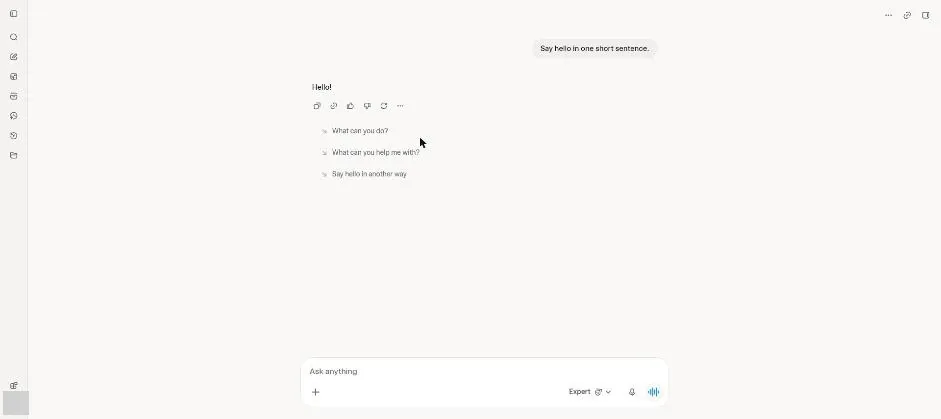
You see a short greeting.
Click the link icon at the top right.
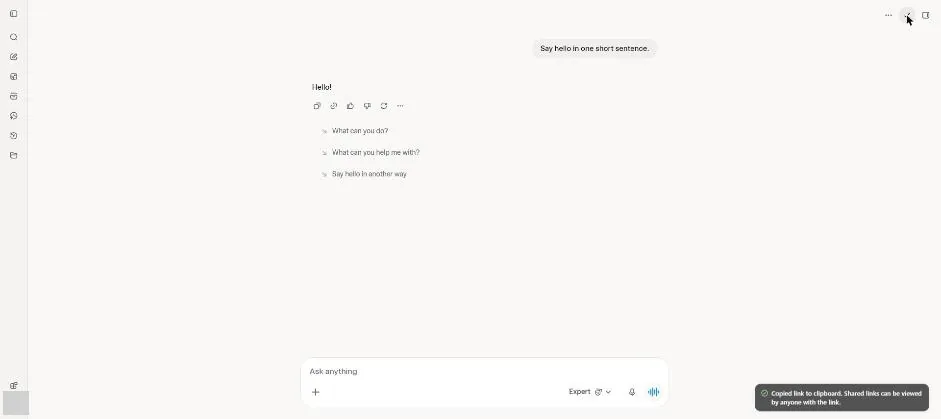
You see a notice that the copied link can be viewed by anyone with it.
Open Settings, then Data Controls.
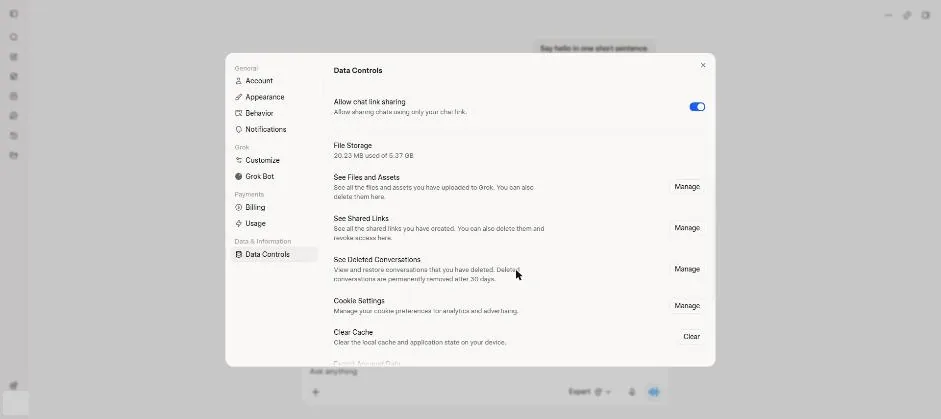
Click Manage next to See Shared Links.
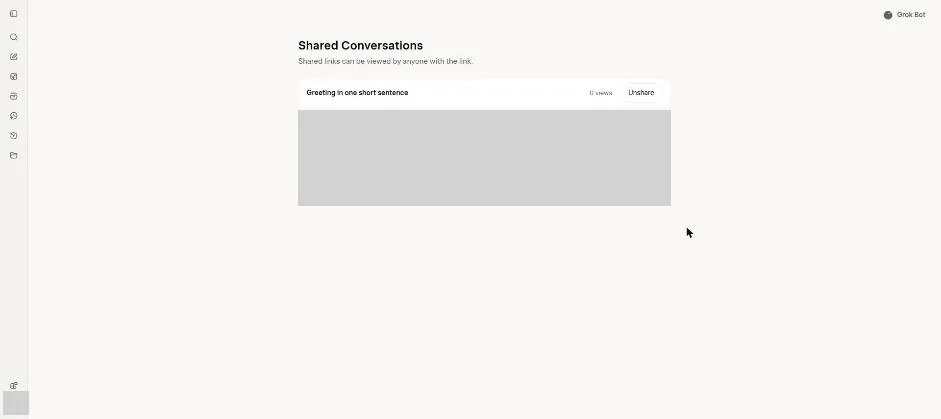
You see the shared test chat with a view count and Unshare button.
Click Unshare for the test chat.
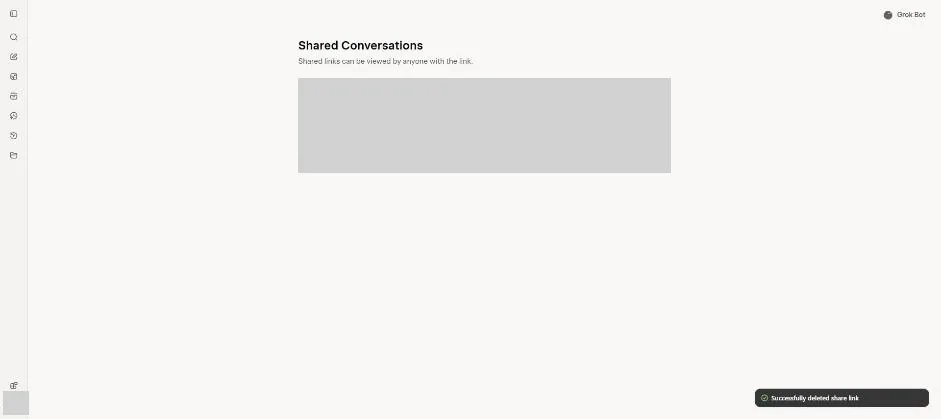
You see a notice confirming that the share link was deleted.
Click a picture to see it full size.