
Skills in Grok
Which Grok plans have Skills?
Plus, Premium, Super, Ultra and Enterprise: Yes. Free and Teams: Not checked yet*.
Your plan
We haven't checked whether Skills is in Grok Free.
Yes. Grok Plus has Skills.
Yes. Grok Premium has Skills.
Yes. Grok Super has Skills.
Yes. Grok Ultra has Skills.
We haven't checked whether Skills is in Grok Teams.
Yes. Grok Enterprise has Skills.
Tell us your plan to see the answer for it.
In each plan
For you
| Free | Not checked yet* |
|---|---|
| Plus | YesBuilt-in skills. Web, iOS, Android. |
| Premium | YesBuilt-in skills. Web, iOS, Android. |
| Super | YesBuilt-in skills. Web, iOS, Android. |
| Ultra | YesBuilt-in skills. Web, iOS, Android. |
For teams, companies and schools
| Teams | Not checked yet* |
|---|---|
| Enterprise | YesBuilt-in skills. Web, iOS, Android. |
Source for the checked plans: Skills in web, iOS, and Android, checked on 20 Oct 2026
Step by step
Start a new chat and click the plus button.
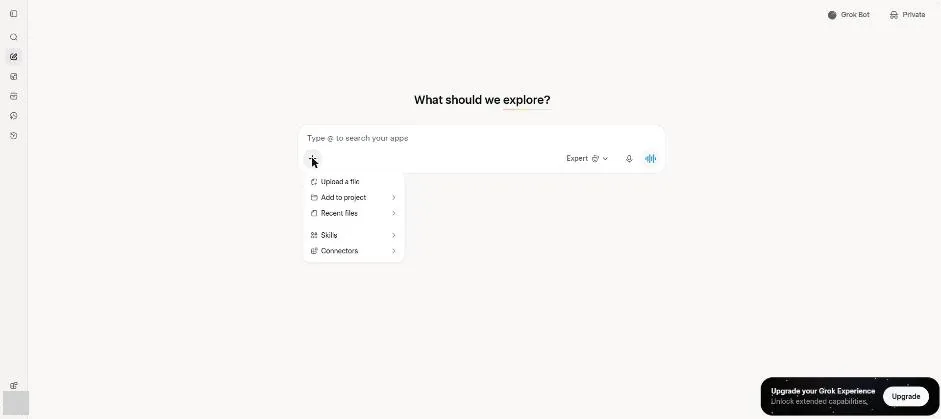
You see the plus menu with Skills.
Click Skills.
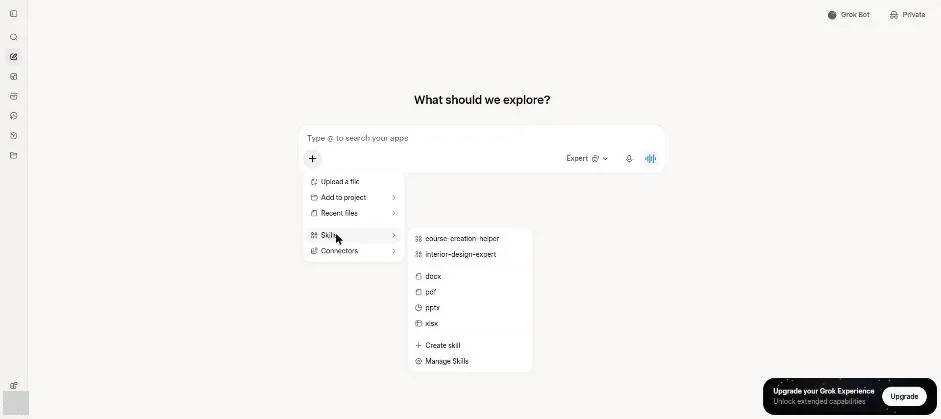
You see the skills list with Create skill and Manage Skills.
Click Create skill.
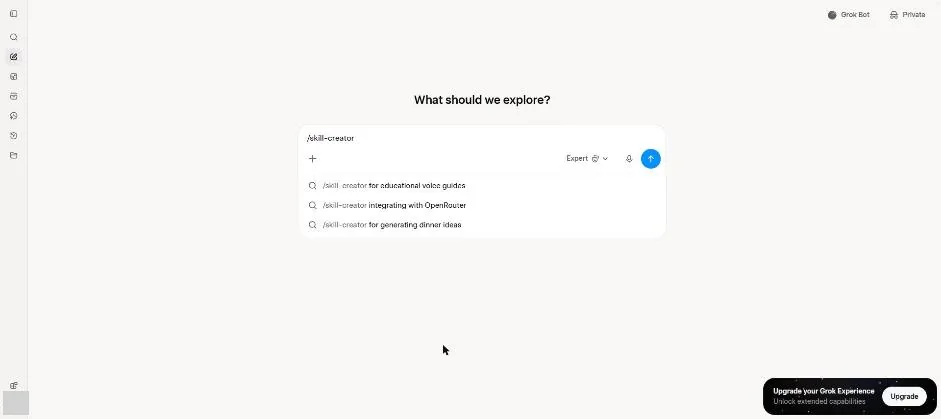
You see the skill creator command in the message box.
Add the email reply rules and send the request.
for replying to client emails: friendly, three short sentences, sign off with Best regards.
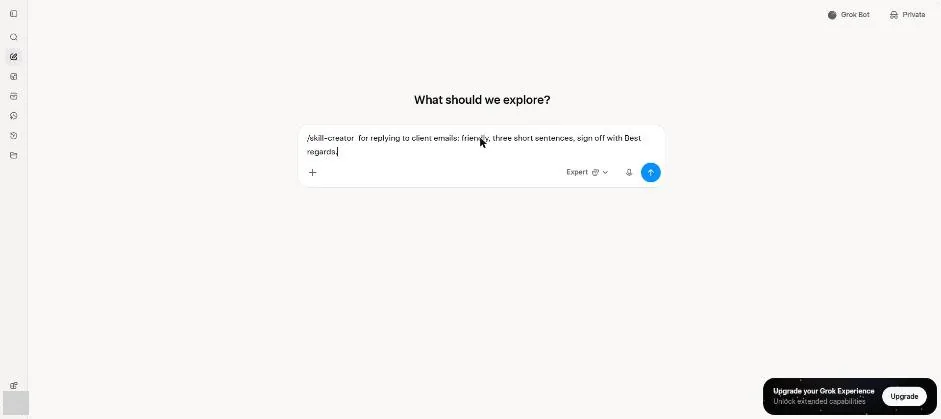
Wait about 40 seconds.
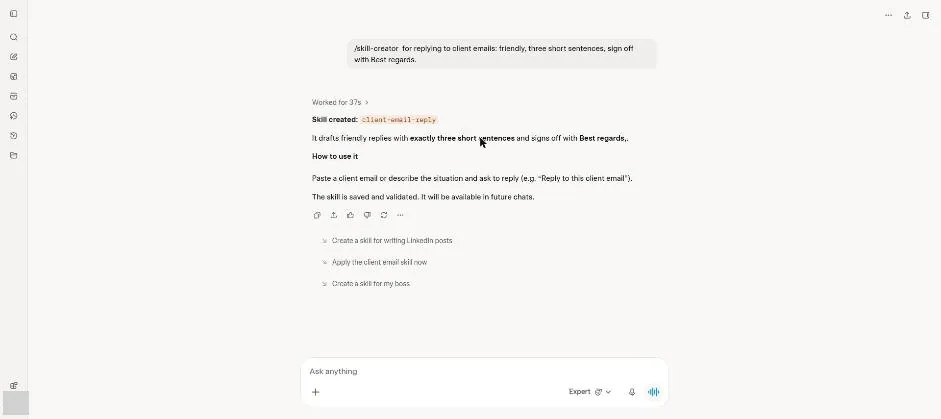
You see confirmation that the email reply skill was created.
Start a new chat and type the skill command with the test request.
/client-email-reply A client asks if the project will be late. It will be two days late.
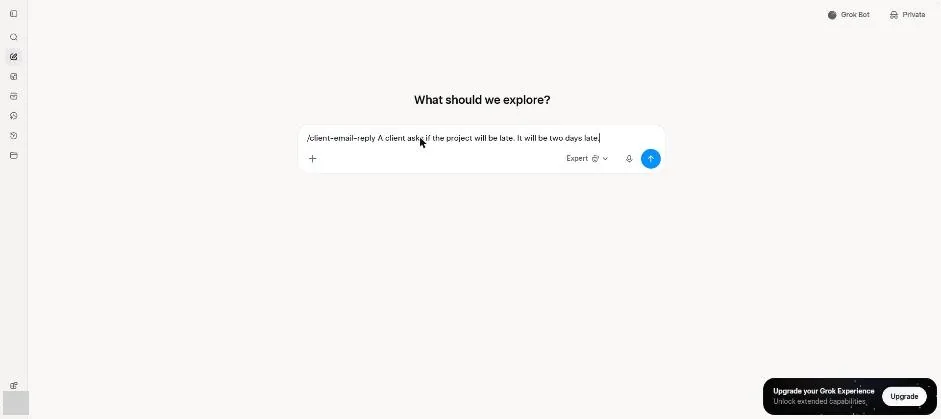
Send the skill request.
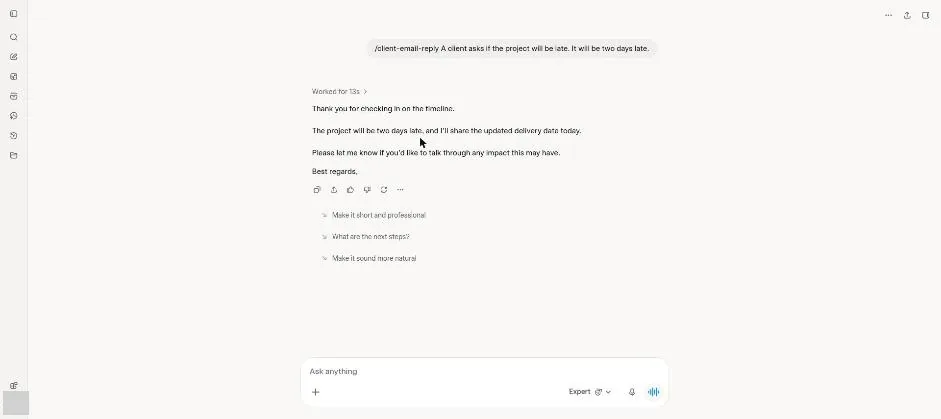
You see a three-sentence reply ending with Best regards.
Click a picture to see it full size.