Showing:Grok, plan not chosen.

Memory in Grok

Go to the steps

Your plan

Tell us your plan to see the answer for it.

In each plan

We haven't checked which plans include this yet.

Show every plan

For you

Free
Not checked yet*
Plus
Not checked yet*
Premium
Not checked yet*
Super
Not checked yet*
Ultra
Not checked yet*

For teams, companies and schools

Teams
Not checked yet*
Enterprise
Not checked yet*

Step by step

Pictures from our Grok account (Legacy SuperGrok plan), on the web, 25 Oct 2026. Your screen may look different on another plan or device, or after an update.

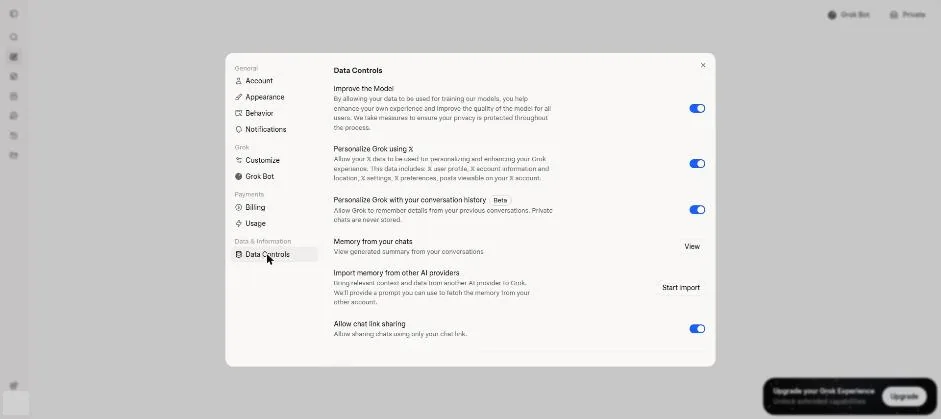
  1. Open Settings, then Data Controls.

    Grok Data Controls with the chat history memory setting switched on.Open the whole screen for step 1.

  2. Type the test memory request in a new chat.

    Please remember this about me: I like short answers, and I am vegetarian.
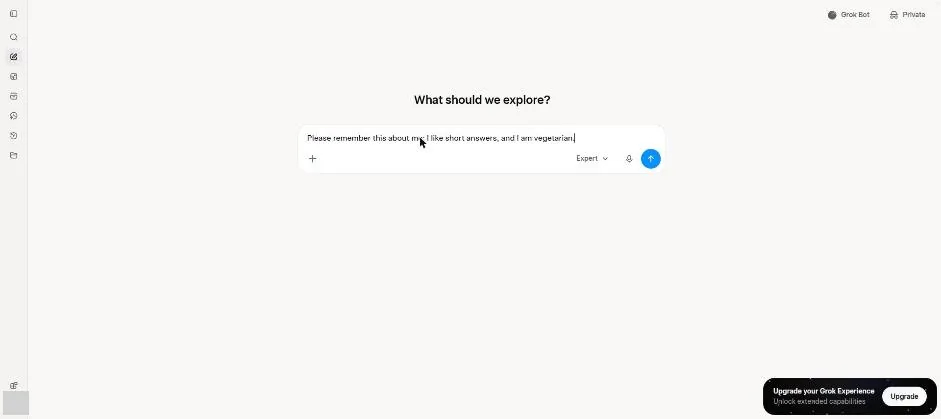
    Grok new chat with a request to remember short answers and a meat-free diet.Open the whole screen for step 2.

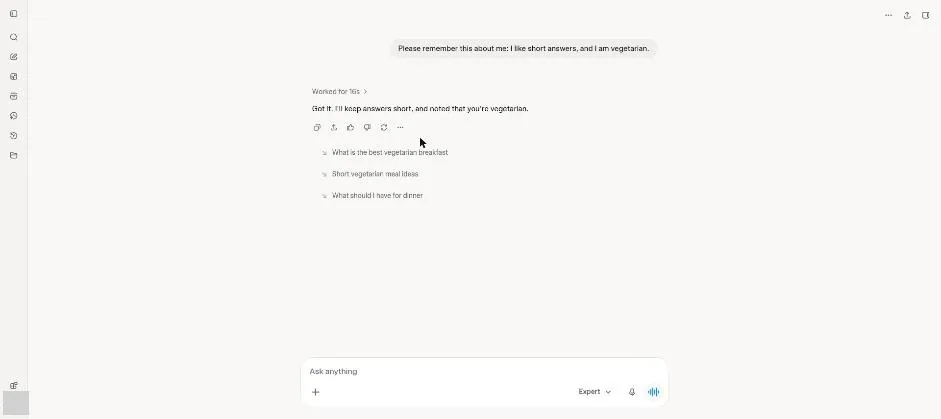
  3. Send the memory request.

    Grok chat with a reply that it will keep answers short and remember the diet.Open the whole screen for step 3.

    You see a reply noting short answers and a vegetarian preference.

  4. Start a new chat and ask for a dinner idea.

    Give me a dinner idea.
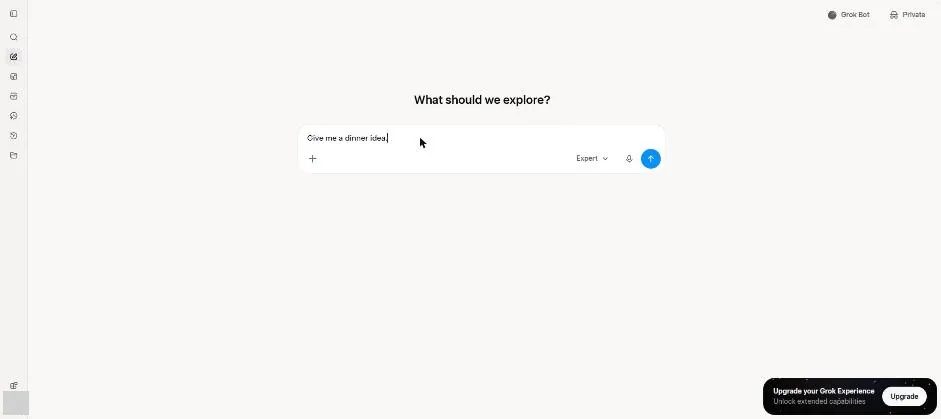
    Grok new chat with a dinner question in the message box.Open the whole screen for step 4.

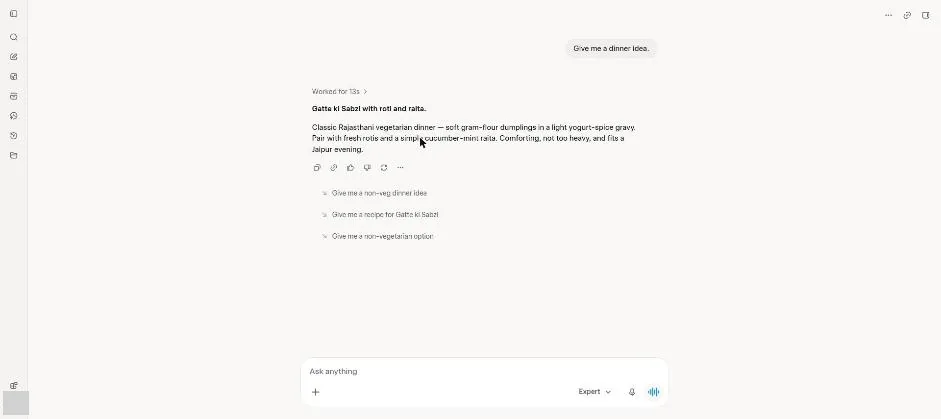
  5. Send the dinner question.

    Grok chat with a short meat-free dinner idea.Open the whole screen for step 5.

    You see a short vegetarian dinner suggestion.

Click a picture to see it full size.

See every Grok feature

Change your app or plan

App

We can't see your account. You tell us, and we show what that plan includes. We save your choices in this browser. They may disappear if you clear your browser data or use private browsing.

Report a problem

About:

What's the problem?

Please don't include private information. We keep reports for 90 days and don't store your email or IP address.