
Latest Grok models in Grok
Which Grok plans have Latest Grok models?
Free and Plus: No. Premium, Super, Ultra, Teams and Enterprise: Not checked yet*.
Your plan
No. Grok Free doesn't have Latest Grok models.
No. Grok Plus doesn't have Latest Grok models.
We haven't checked whether Latest Grok models is in Grok Premium.
We haven't checked whether Latest Grok models is in Grok Super.
We haven't checked whether Latest Grok models is in Grok Ultra.
We haven't checked whether Latest Grok models is in Grok Teams.
We haven't checked whether Latest Grok models is in Grok Enterprise.
Tell us your plan to see the answer for it.
In each plan
Source for the checked plans: Pricing: Compare Plans, checked on 20 Oct 2026
Step by step
Open the mode menu next to the message box.
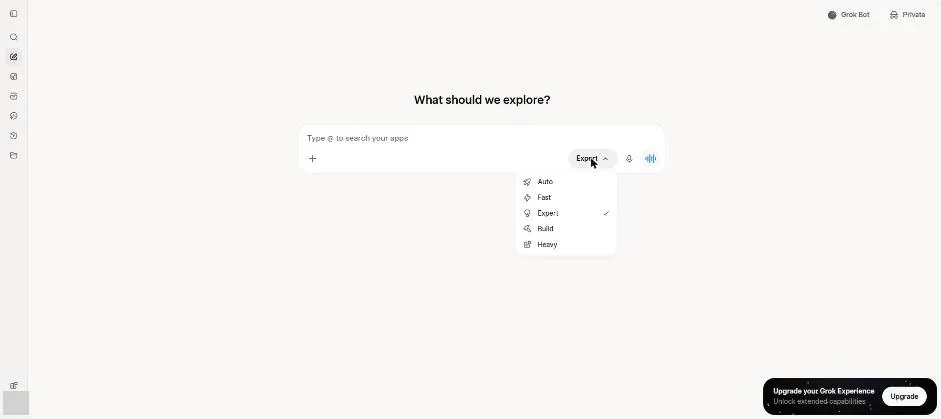
You see Auto, Fast, Expert, Build and Heavy, with Expert selected.
Type the email request.
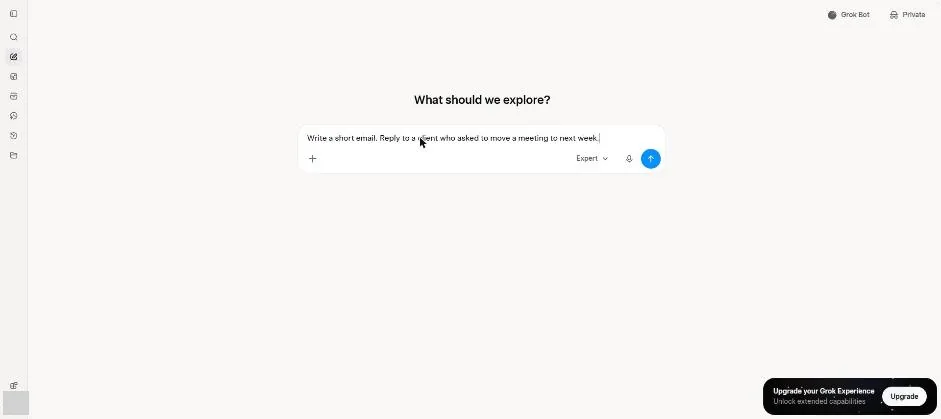
Send the request.
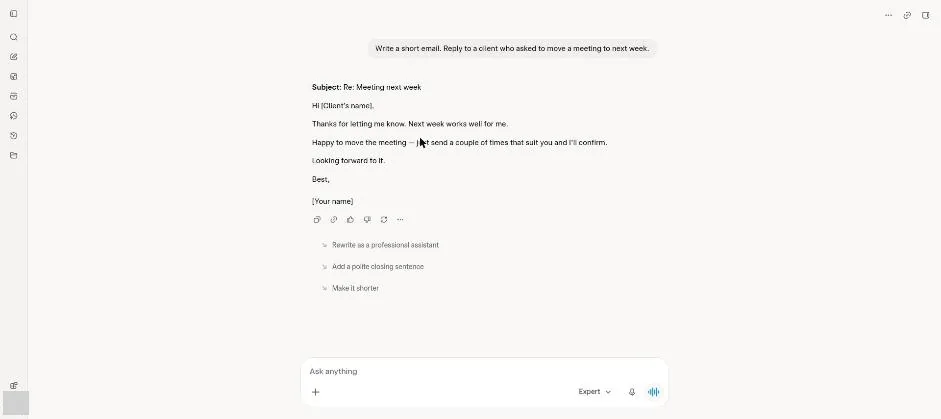
You see a short email reply with a subject line and placeholders.
Click a picture to see it full size.