
Claude Docs keyboard shortcuts in Claude
Which Claude plans have Claude Docs keyboard shortcuts?
Free, Pro, Max 5x, Max 20x, Team Standard, Team Premium and Enterprise: Yes.
Your plan
Yes. Claude Free has Claude Docs keyboard shortcuts.
Yes. Claude Pro has Claude Docs keyboard shortcuts.
Yes. Claude Max 5x has Claude Docs keyboard shortcuts.
Yes. Claude Max 20x has Claude Docs keyboard shortcuts.
Yes. Claude Team Standard has Claude Docs keyboard shortcuts.
Yes. Claude Team Premium has Claude Docs keyboard shortcuts.
Yes. Claude Enterprise has Claude Docs keyboard shortcuts.
Tell us your plan to see the answer for it.
In each plan
For you
| Free | Yes |
|---|---|
| Pro | Yes |
| Max 5x | Yes |
| Max 20x | Yes |
For teams, companies and schools
| Team Standard | Yes |
|---|---|
| Team Premium | Yes |
| Enterprise | YesOn by default from 15 Oct 2026 (owners could turn it on earlier). |
Source for every plan: Claude Docs keyboard shortcuts, checked on 20 Oct 2026
Step by step
Open Docs and send the note request.
A one-line note that says: Book the meeting room before Friday
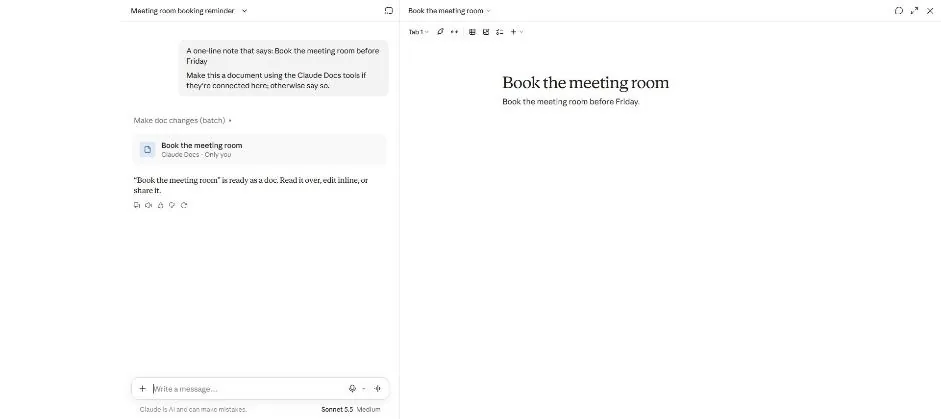
You see a document with the meeting room reminder.
Select the last word with End, then Ctrl+Shift+Left.
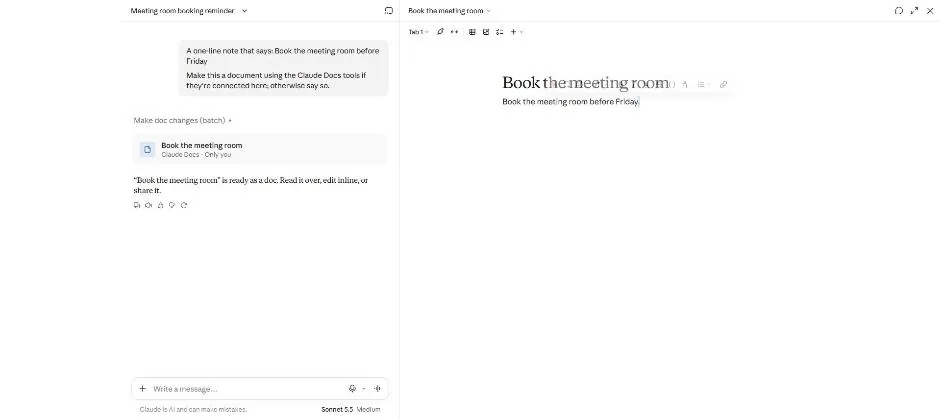
You see a floating format bar above the selected word.
Press Ctrl+B.
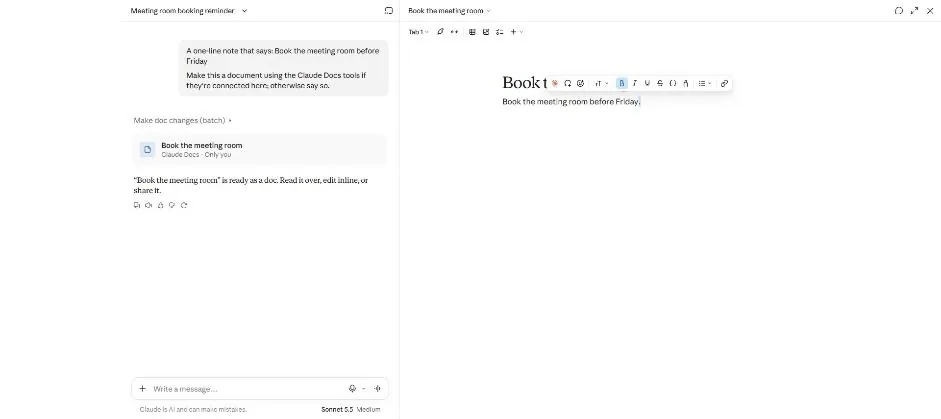
You see the bold control highlighted in the format bar.
Press Ctrl+Z, then Ctrl+K.
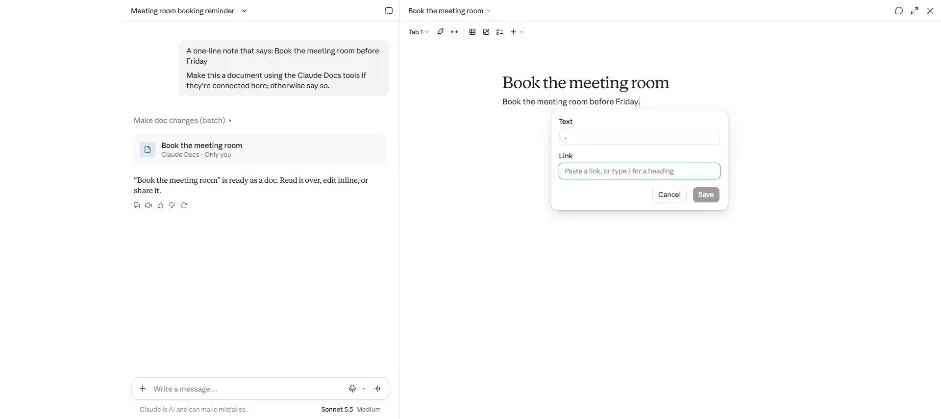
You see a link box with Cancel and Save buttons.
Press Esc, then Ctrl+/.
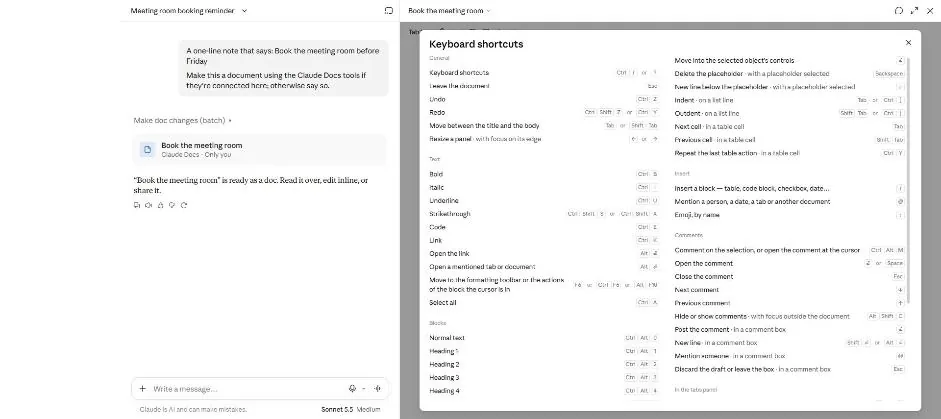
You see a list of keyboard shortcuts.
Click a picture to see it full size.