
Artifacts in Claude
Your plan
We haven't checked whether Artifacts is in Claude Free.
We haven't checked whether Artifacts is in Claude Pro.
We haven't checked whether Artifacts is in Claude Max 5x.
We haven't checked whether Artifacts is in Claude Max 20x.
We haven't checked whether Artifacts is in Claude Team Standard.
We haven't checked whether Artifacts is in Claude Team Premium.
We haven't checked whether Artifacts is in Claude Enterprise.
Tell us your plan to see the answer for it.
In each plan
We haven't checked which plans include this yet.
Show every plan
For you
| Free | Not checked yet* |
|---|---|
| Pro | Not checked yet* |
| Max 5x | Not checked yet* |
| Max 20x | Not checked yet* |
For teams, companies and schools
| Team Standard | Not checked yet* |
|---|---|
| Team Premium | Not checked yet* |
| Enterprise | Not checked yet* |
Step by step
Type the expense tracker request.
Make a small working expense tracker for a team trip, as an interactive page. I add an item, a person and an amount in US dollars, and it shows the total and each person's share. Add 3 made-up sample rows.
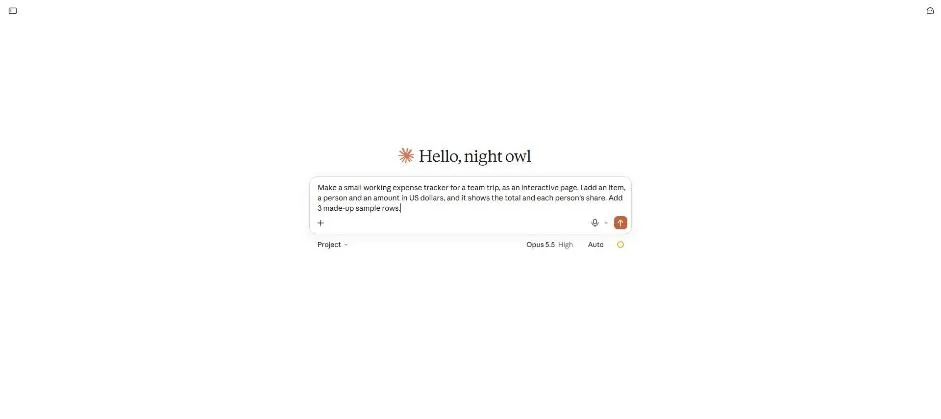
Send the request.
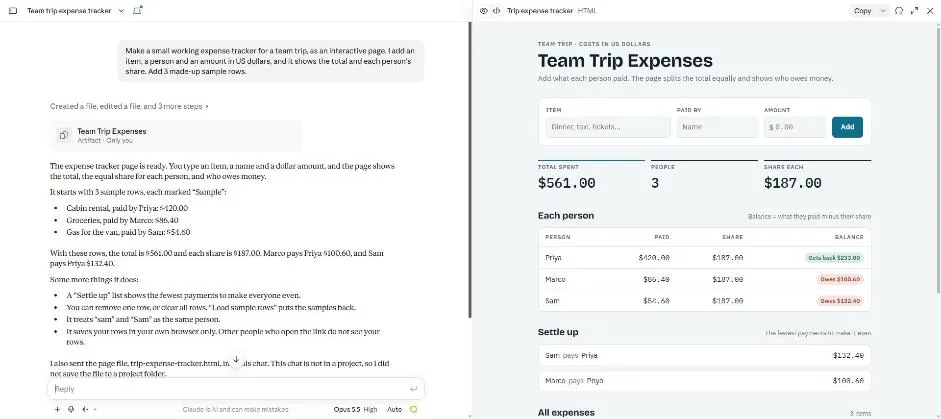
You see the expense tracker with totals, shares and a settle-up list.
Enter a row in the preview and click Add.
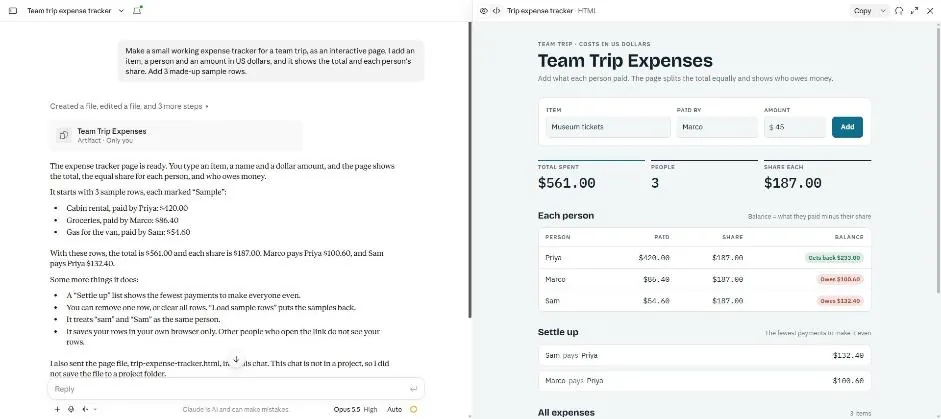
You see the entered row while the displayed totals remain unchanged.
Open the tracker card and enter the row again.
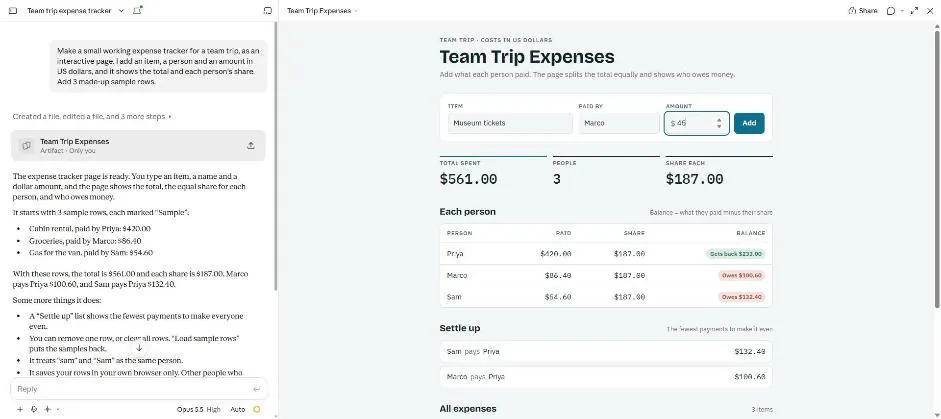
You see the row entered in the opened tracker.
Click Add.
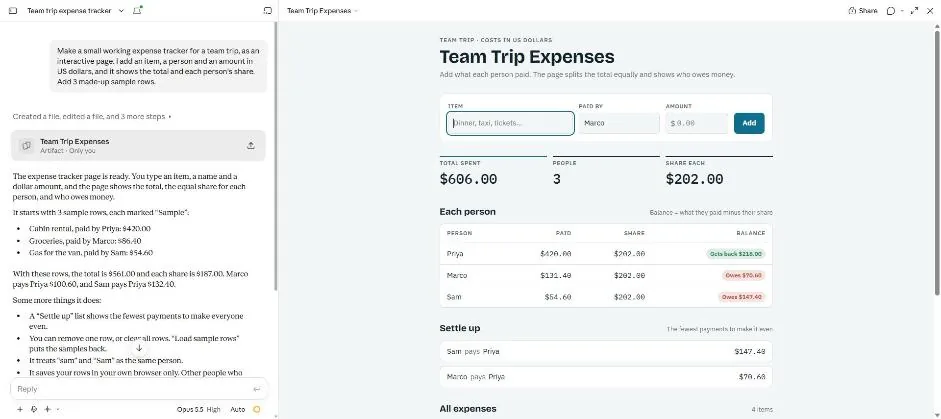
You see the updated totals and four expense items.
Type the tracker change request.
One change: add a box for how many people are on the trip, so a person who paid nothing still gets a share.
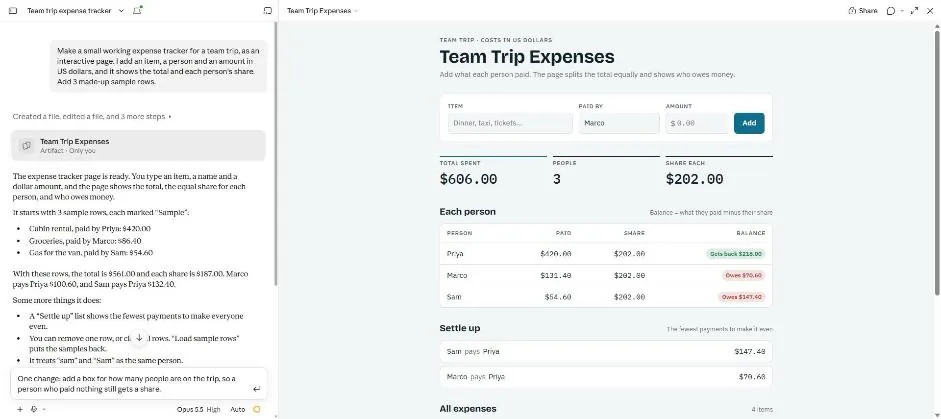
Send the change request.
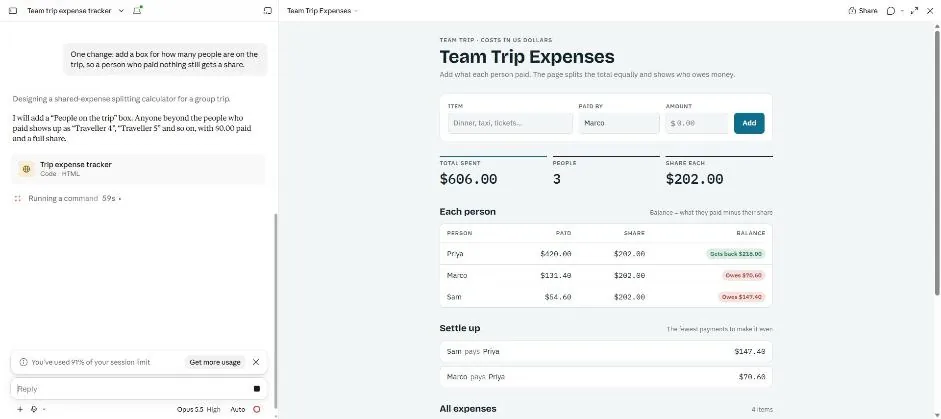
You see Claude working on the change and a session limit notice.
Wait about 1.5 minutes.
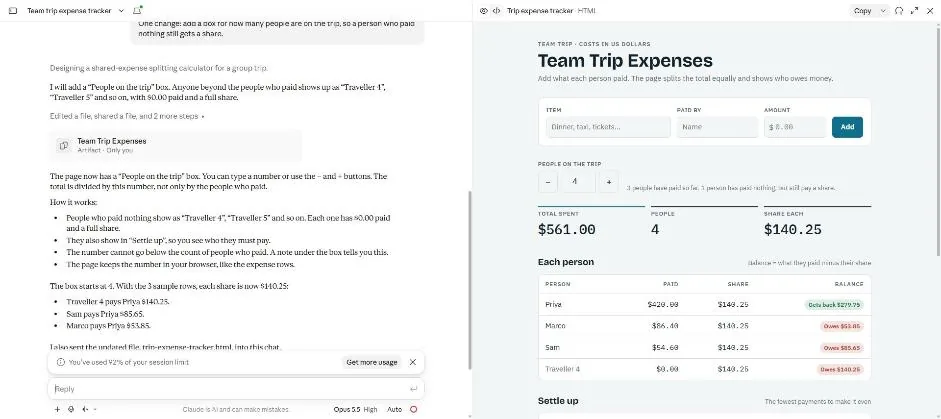
You see the new people count box and a fourth traveller in the shares.
Click a picture to see it full size.