
Claude Code cloud sessions (web and mobile) in Claude
Your plan
We haven't checked whether Claude Code cloud sessions (web and mobile) is in Claude Free.
We haven't checked whether Claude Code cloud sessions (web and mobile) is in Claude Pro.
We haven't checked whether Claude Code cloud sessions (web and mobile) is in Claude Max 5x.
We haven't checked whether Claude Code cloud sessions (web and mobile) is in Claude Max 20x.
We haven't checked whether Claude Code cloud sessions (web and mobile) is in Claude Team Standard.
We haven't checked whether Claude Code cloud sessions (web and mobile) is in Claude Team Premium.
We haven't checked whether Claude Code cloud sessions (web and mobile) is in Claude Enterprise.
Tell us your plan to see the answer for it.
In each plan
We haven't checked which plans include this yet.
Show every plan
For you
| Free | Not checked yet* |
|---|---|
| Pro | Not checked yet* |
| Max 5x | Not checked yet* |
| Max 20x | Not checked yet* |
For teams, companies and schools
| Team Standard | Not checked yet* |
|---|---|
| Team Premium | Not checked yet* |
| Enterprise | Not checked yet* |
Step by step
Open the Code page.
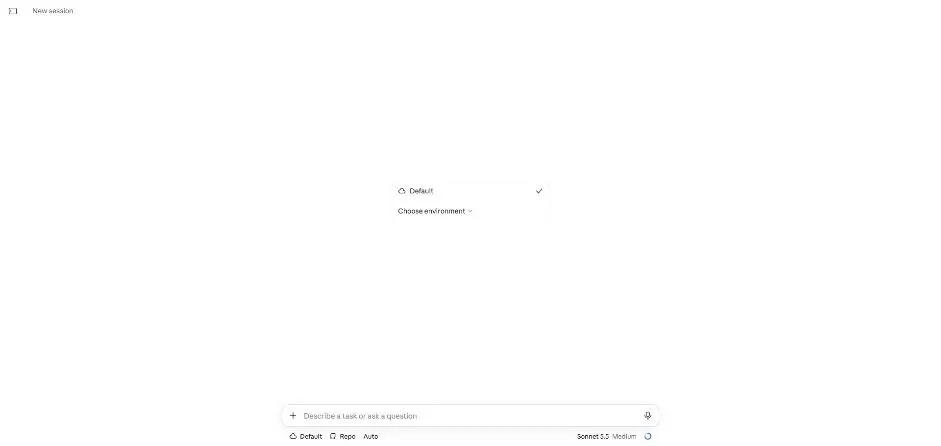
You see the Default environment selected.
Type the email checking script task.
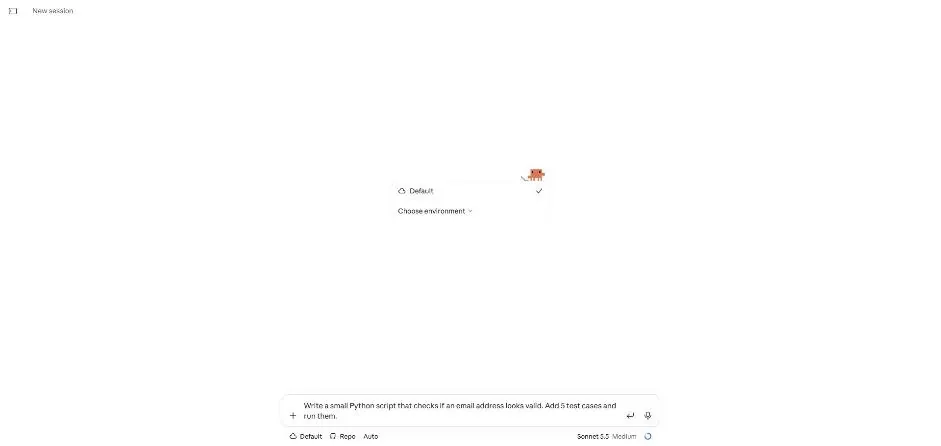
Send the task and wait.
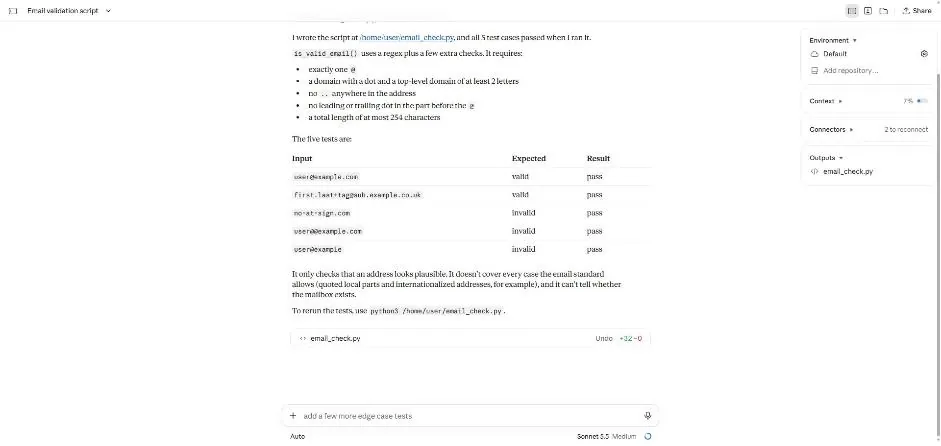
You see a table of five test cases marked pass.
Type and send the follow-up task.
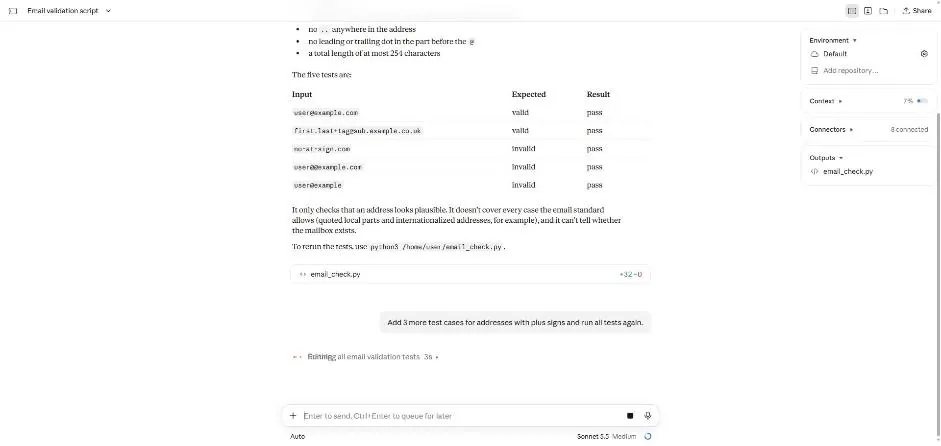
You see a status about running the email tests.
Wait for the follow-up to finish.
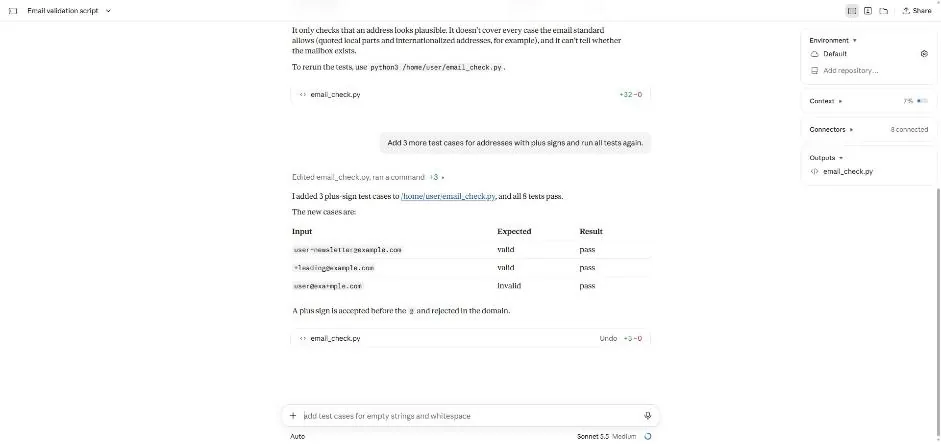
You see three new test cases and a report that all eight pass.
Click a picture to see it full size.