
Projects in Cowork in Claude
Your plan
We haven't checked whether Projects in Cowork is in Claude Free.
We haven't checked whether Projects in Cowork is in Claude Pro.
We haven't checked whether Projects in Cowork is in Claude Max 5x.
We haven't checked whether Projects in Cowork is in Claude Max 20x.
We haven't checked whether Projects in Cowork is in Claude Team Standard.
We haven't checked whether Projects in Cowork is in Claude Team Premium.
We haven't checked whether Projects in Cowork is in Claude Enterprise.
Tell us your plan to see the answer for it.
In each plan
We haven't checked which plans include this yet.
Show every plan
For you
| Free | Not checked yet* |
|---|---|
| Pro | Not checked yet* |
| Max 5x | Not checked yet* |
| Max 20x | Not checked yet* |
For teams, companies and schools
| Team Standard | Not checked yet* |
|---|---|
| Team Premium | Not checked yet* |
| Enterprise | Not checked yet* |
Step by step
Create a project, enter its name and goal, then choose the test folder.
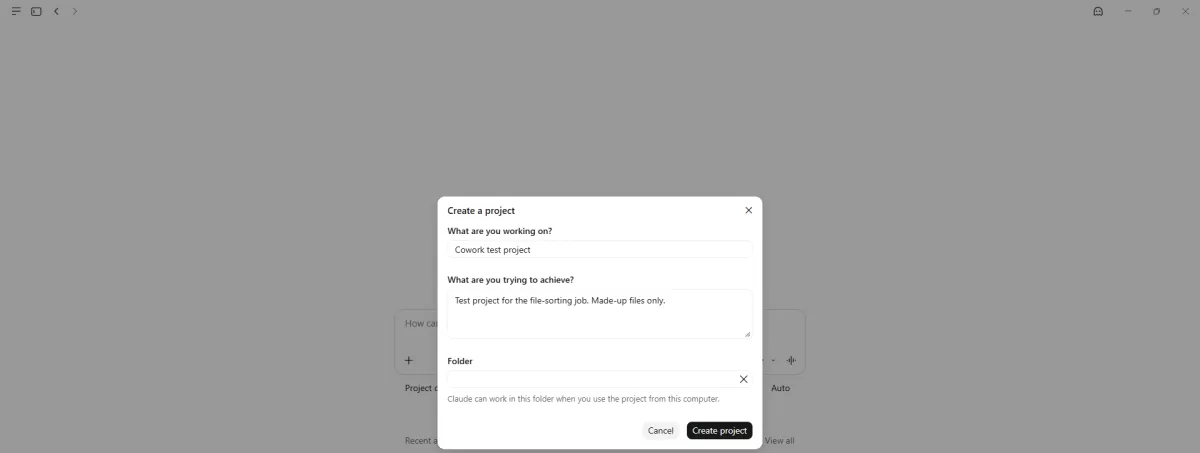
You see a linked folder in the project form.
Click Create project.
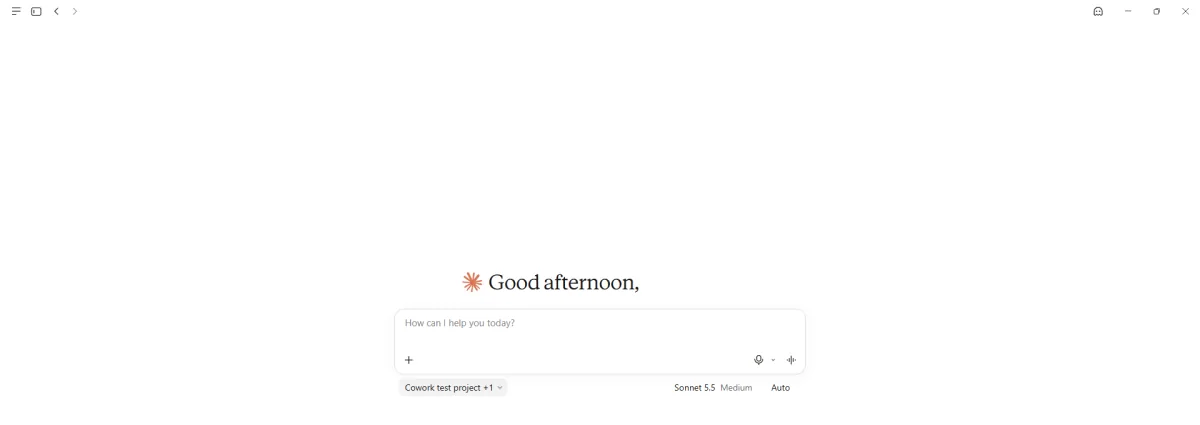
You see the project selected under the chat box.
Open a new chat and search the project picker for Cowork test.
Cowork test
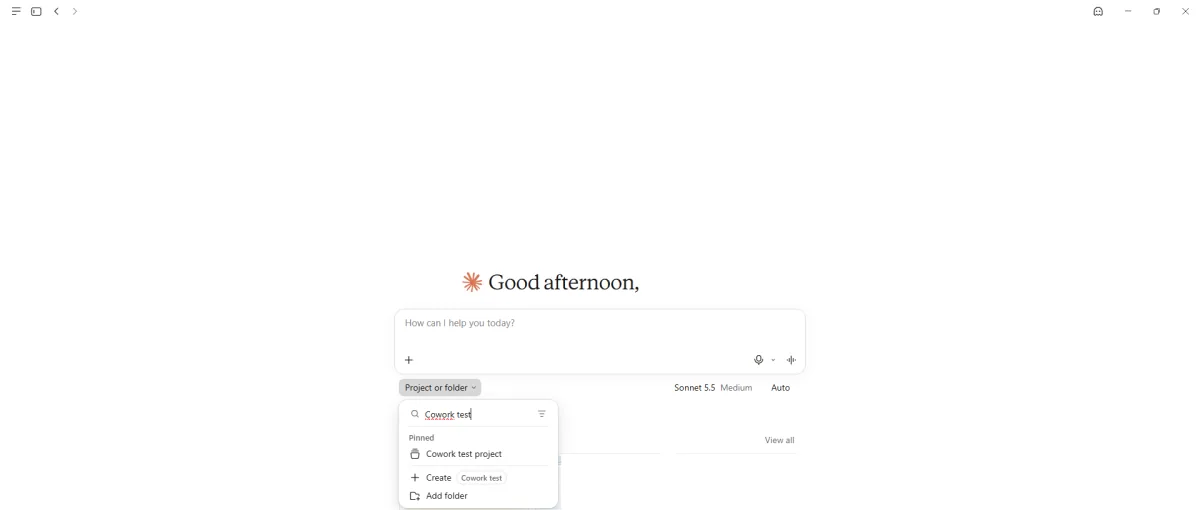
You see the matching project.
Choose the project and send the second folder task.
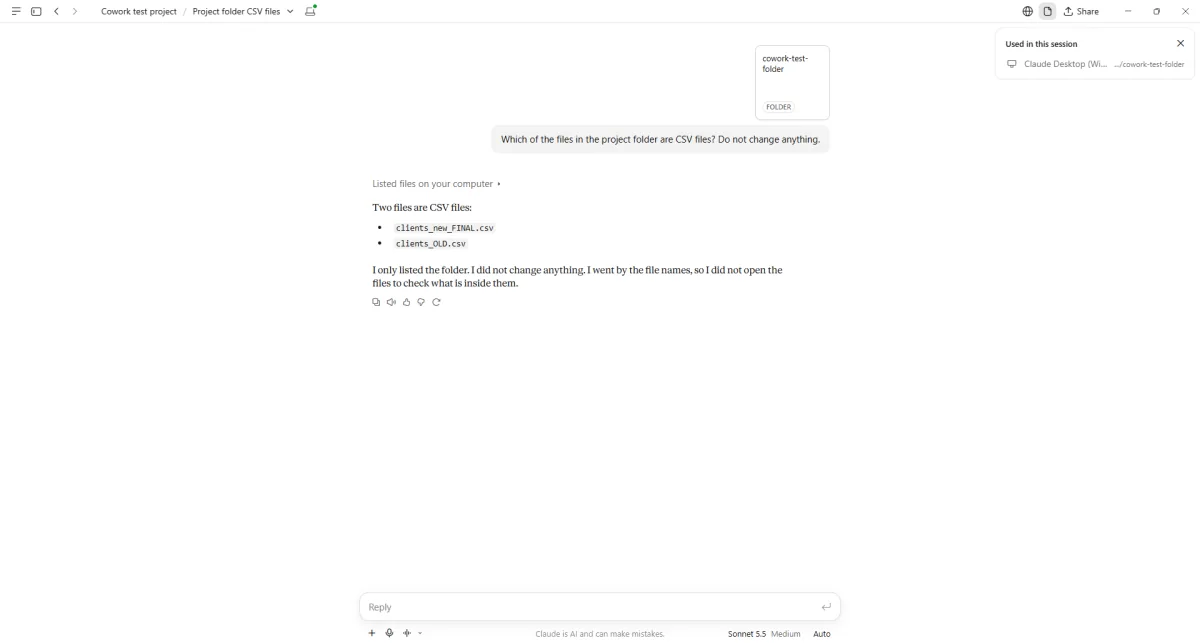
You see a list of two files with the csv extension.
Click the project name in the chat header.
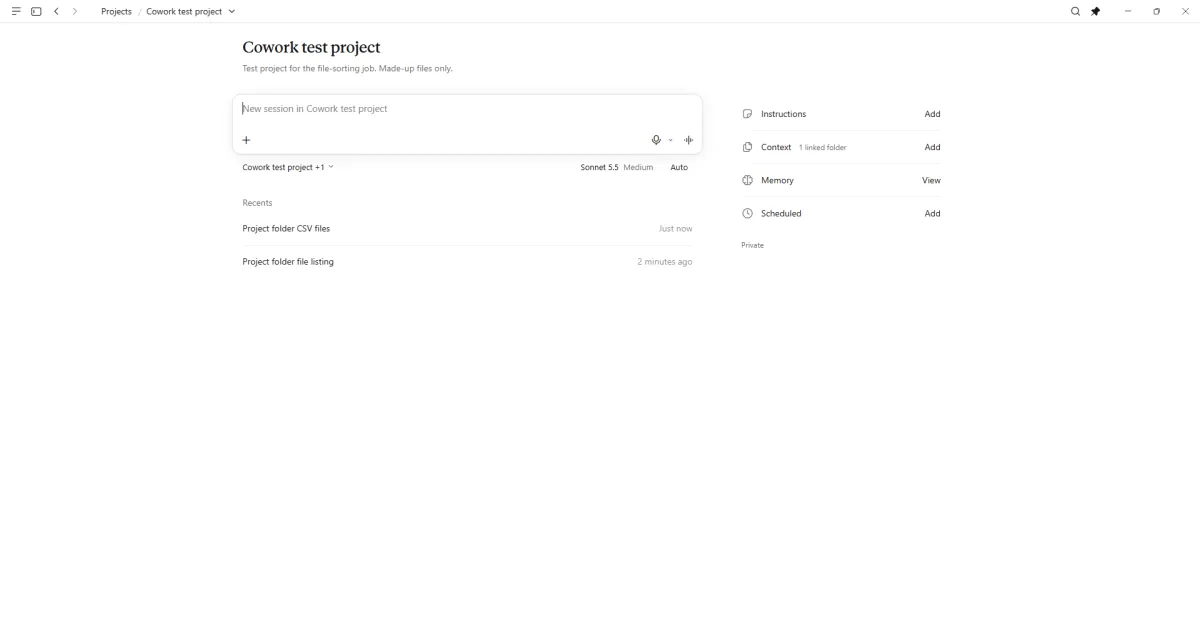
You see both tasks listed under Recents.
Click a picture to see it full size.