
Cloud Cowork in Claude
Your plan
We haven't checked whether Cloud Cowork is in Claude Free.
We haven't checked whether Cloud Cowork is in Claude Pro.
We haven't checked whether Cloud Cowork is in Claude Max 5x.
We haven't checked whether Cloud Cowork is in Claude Max 20x.
We haven't checked whether Cloud Cowork is in Claude Team Standard.
We haven't checked whether Cloud Cowork is in Claude Team Premium.
We haven't checked whether Cloud Cowork is in Claude Enterprise.
Tell us your plan to see the answer for it.
In each plan
We haven't checked which plans include this yet.
Show every plan
For you
| Free | Not checked yet* |
|---|---|
| Pro | Not checked yet* |
| Max 5x | Not checked yet* |
| Max 20x | Not checked yet* |
For teams, companies and schools
| Team Standard | Not checked yet* |
|---|---|
| Team Premium | Not checked yet* |
| Enterprise | Not checked yet* |
Step by step
Type the summary task.
Research the main changes to LinkedIn company pages in 2026 and write a one-page summary for a B2B marketing manager. Use only the web. Prices in US dollars only.
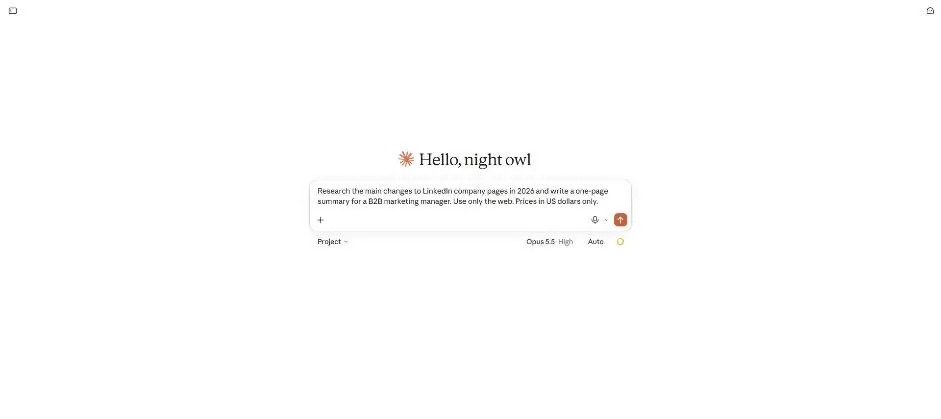
Click the send arrow.
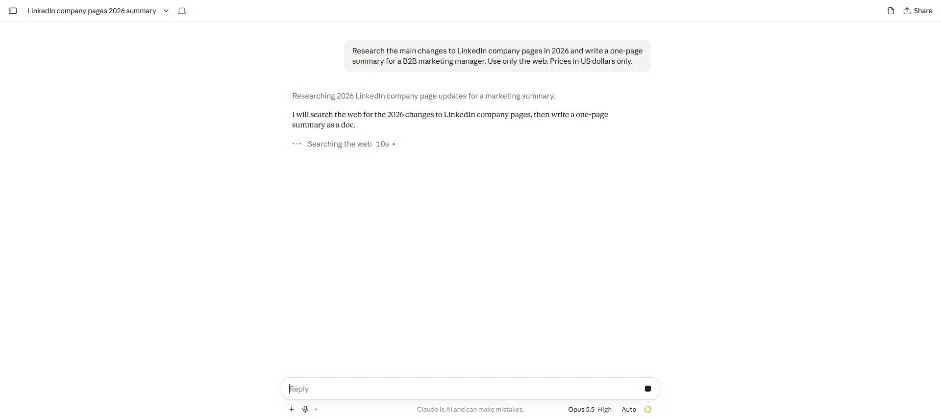
You see a web search note while the summary is being prepared.
Open the task chat again.
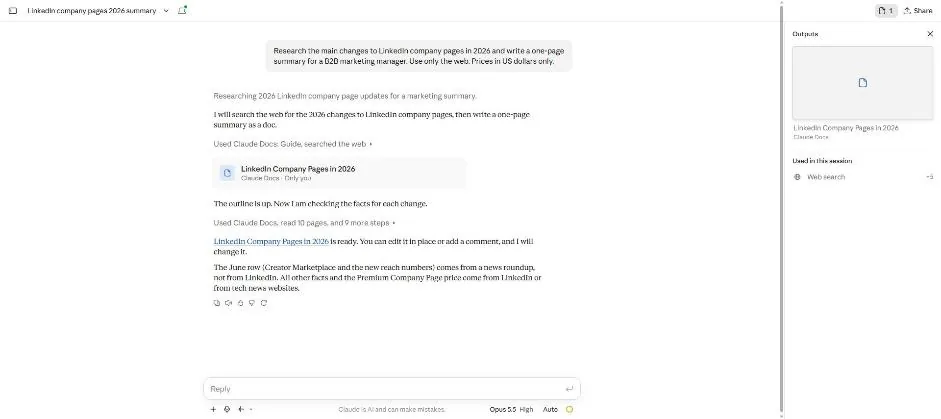
You see the completed summary document card in the reopened chat.
Click the summary document card.
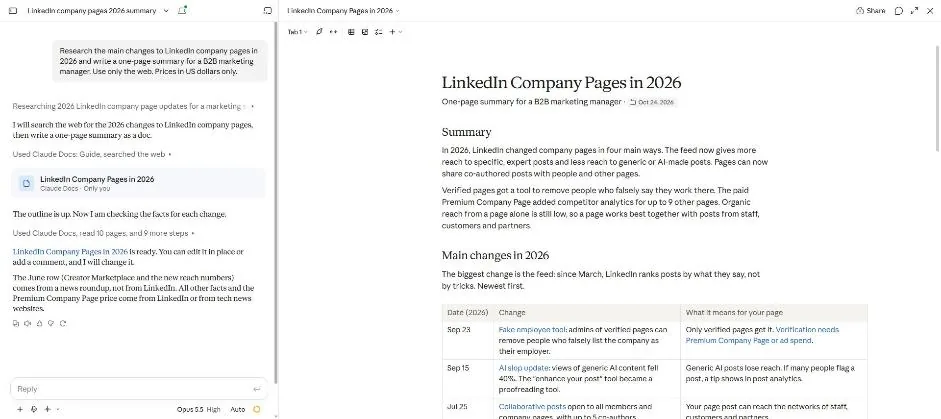
You see the summary document and its table of changes.
Click a picture to see it full size.