
Cowork in every chat in Claude
Your plan
We haven't checked whether Cowork in every chat is in Claude Free.
We haven't checked whether Cowork in every chat is in Claude Pro.
We haven't checked whether Cowork in every chat is in Claude Max 5x.
We haven't checked whether Cowork in every chat is in Claude Max 20x.
We haven't checked whether Cowork in every chat is in Claude Team Standard.
We haven't checked whether Cowork in every chat is in Claude Team Premium.
We haven't checked whether Cowork in every chat is in Claude Enterprise.
Tell us your plan to see the answer for it.
In each plan
We haven't checked which plans include this yet.
Show every plan
For you
| Free | Not checked yet* |
|---|---|
| Pro | Not checked yet* |
| Max 5x | Not checked yet* |
| Max 20x | Not checked yet* |
For teams, companies and schools
| Team Standard | Not checked yet* |
|---|---|
| Team Premium | Not checked yet* |
| Enterprise | Not checked yet* |
Step by step
Open Claude and click Auto below the message box.
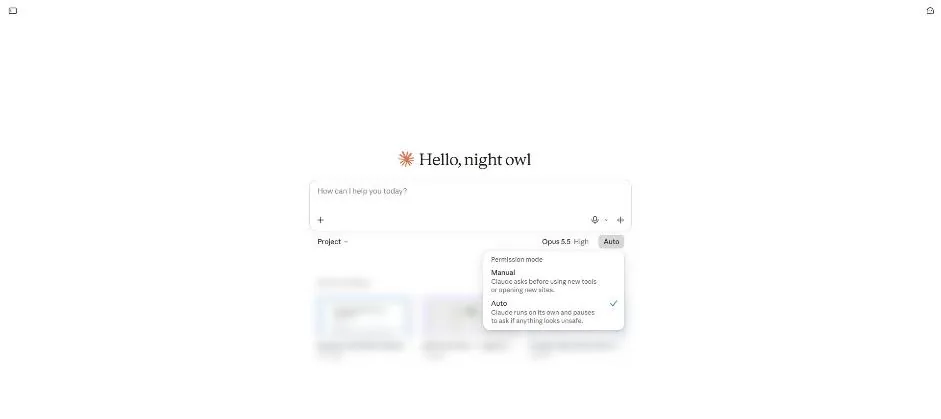
You see Manual and Auto in the Permission mode menu.
Close the menu and send the question.
What are 5 things a small marketing team should prepare before a 2-day offsite?
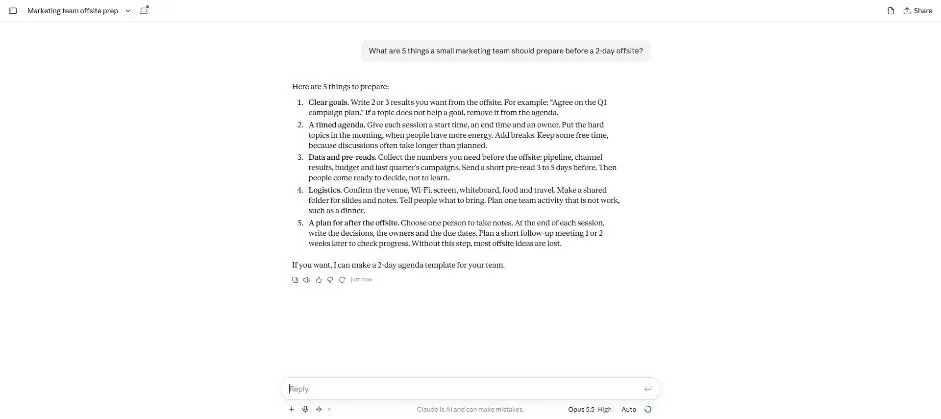
You see a five-point offsite preparation answer.
Type the agenda task in the same chat.
Yes. Make the 2-day agenda as an Excel file with times, sessions and owners. Use made-up names.
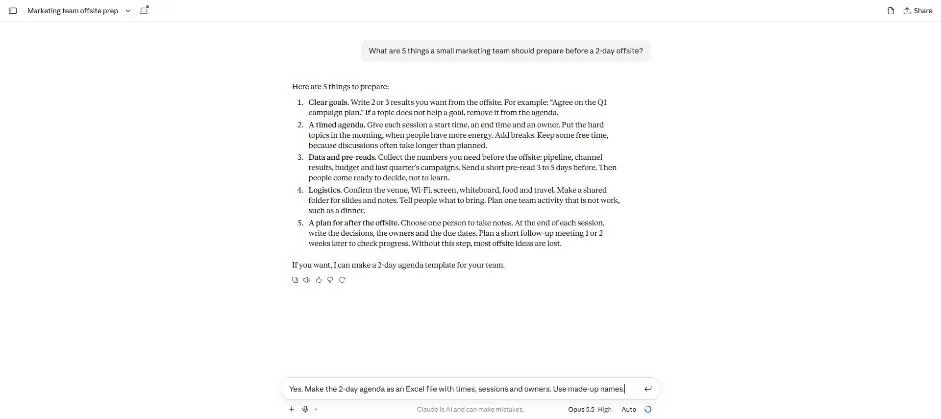
Send the task.
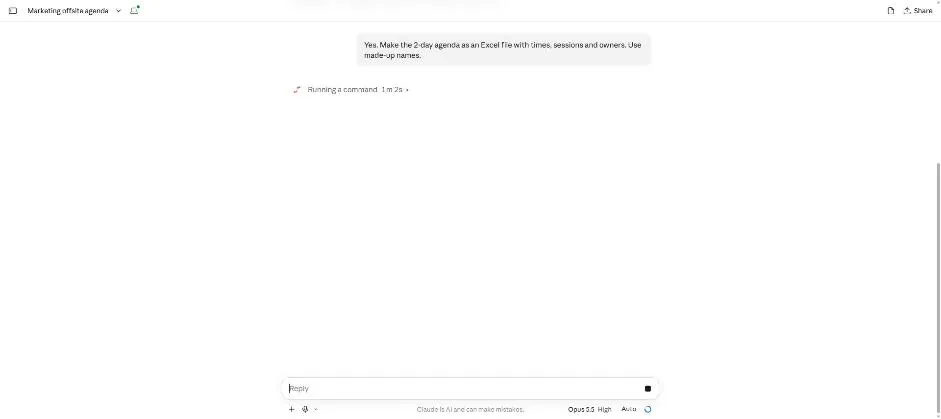
You see a Running a command note and a stop button.
Wait about 2 minutes.
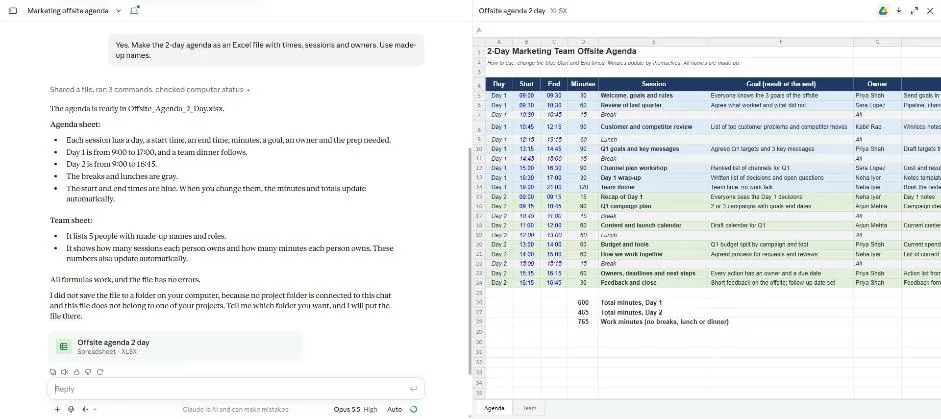
You see the Excel agenda with Agenda and Team tabs.
Click a picture to see it full size.