
Research in Claude
Your plan
We haven't checked whether Research is in Claude Free.
We haven't checked whether Research is in Claude Pro.
We haven't checked whether Research is in Claude Max 5x.
We haven't checked whether Research is in Claude Max 20x.
We haven't checked whether Research is in Claude Team Standard.
We haven't checked whether Research is in Claude Team Premium.
We haven't checked whether Research is in Claude Enterprise.
Tell us your plan to see the answer for it.
In each plan
We haven't checked which plans include this yet.
Show every plan
For you
| Free | Not checked yet* |
|---|---|
| Pro | Not checked yet* |
| Max 5x | Not checked yet* |
| Max 20x | Not checked yet* |
For teams, companies and schools
| Team Standard | Not checked yet* |
|---|---|
| Team Premium | Not checked yet* |
| Enterprise | Not checked yet* |
Step by step
Start a new chat and click the plus button.
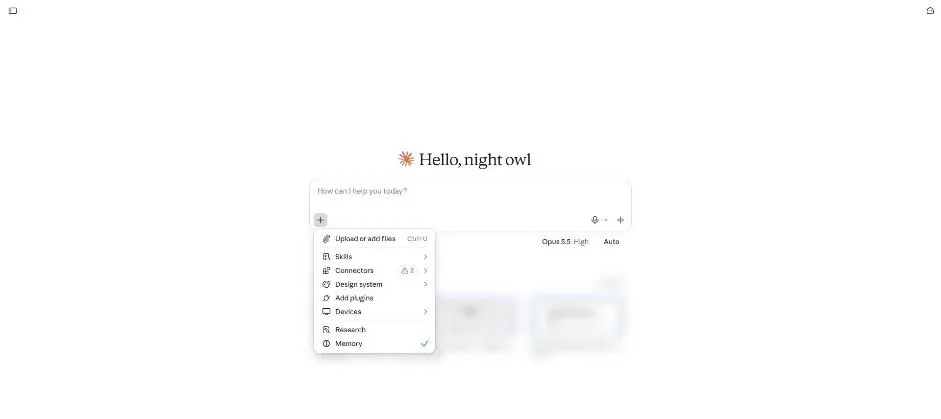
You see Research in the tools menu.
Click Research.

You see the blue Research icon in the message box.
Type the robot vacuum research request.
Compare three robot vacuums that can climb a 4 cm door threshold. Use only the web. Give a short table: model, max threshold height, price, and one weak point.
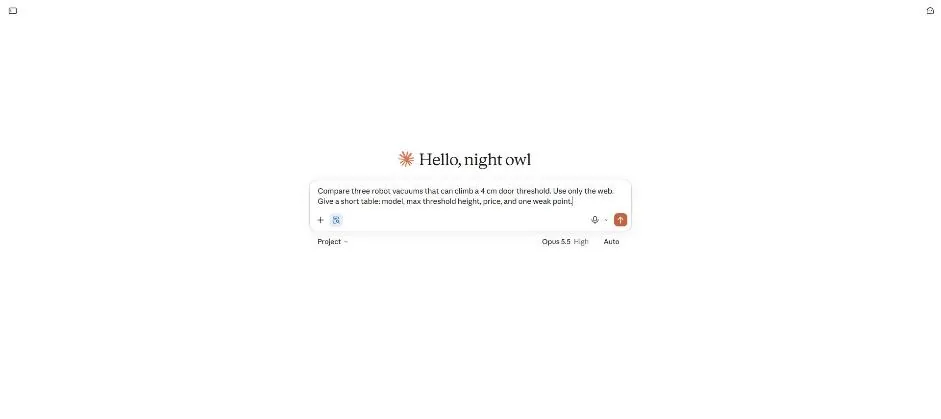
Send the request.
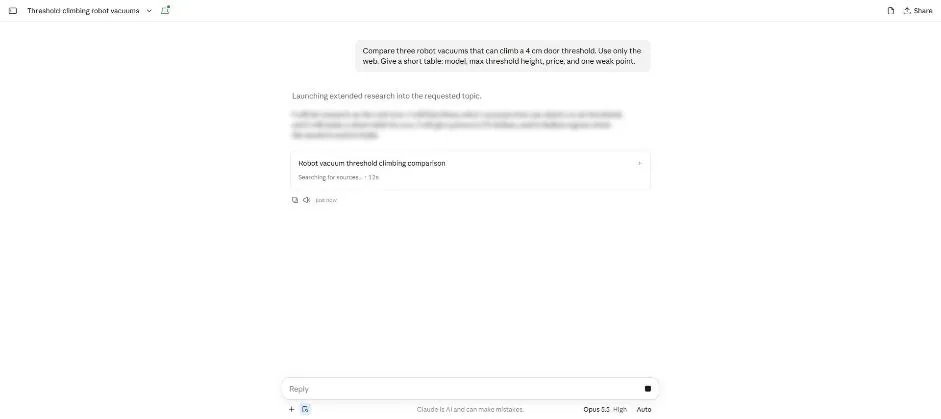
You see a research card searching for sources.
Wait about 4 minutes.
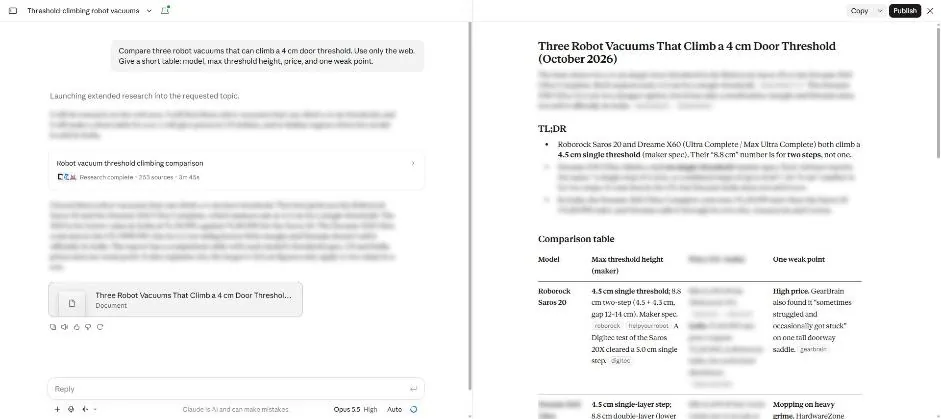
You see the research report with a summary and comparison table.
Click the research card.
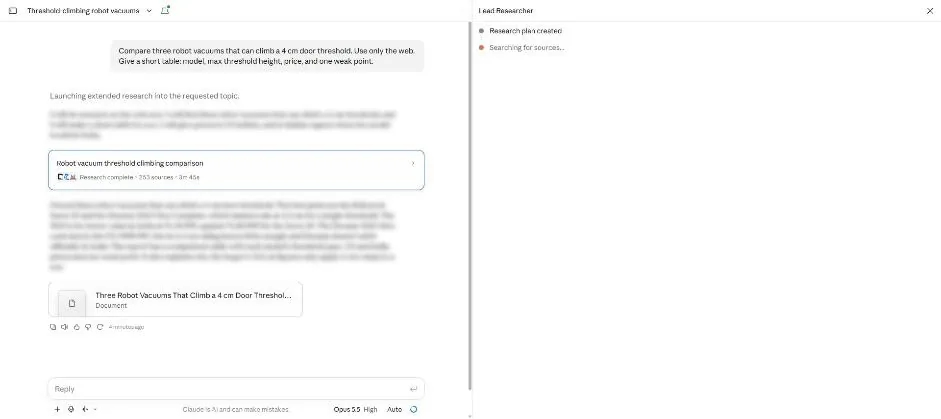
You see the Lead Researcher panel with research steps.
Point at the source tag beside the claim.
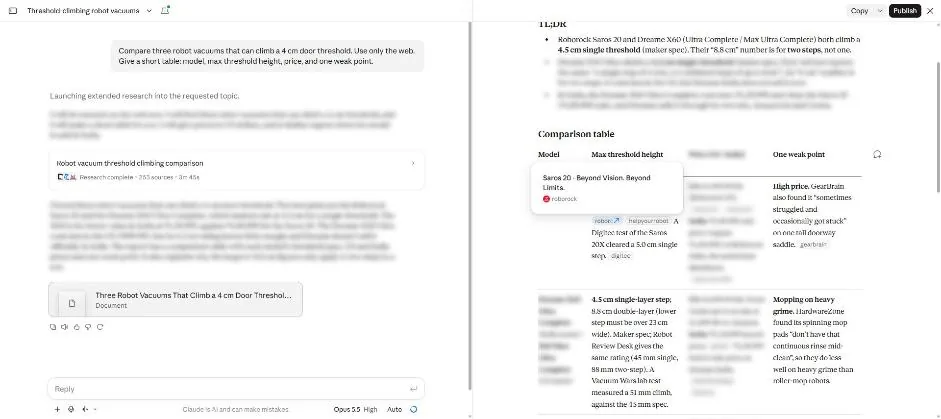
You see the source page title in a pop-up beside the claim.
Open the source tag and scroll to the step height claim.
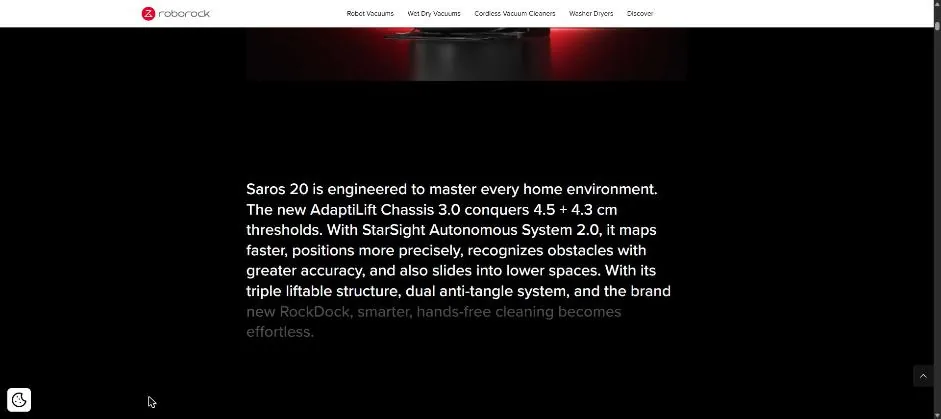
You see the manufacturer page with its threshold height claim.
Click a picture to see it full size.