
Projects in Claude
Your plan
We haven't checked whether Projects is in Claude Free.
We haven't checked whether Projects is in Claude Pro.
We haven't checked whether Projects is in Claude Max 5x.
We haven't checked whether Projects is in Claude Max 20x.
We haven't checked whether Projects is in Claude Team Standard.
We haven't checked whether Projects is in Claude Team Premium.
We haven't checked whether Projects is in Claude Enterprise.
Tell us your plan to see the answer for it.
In each plan
We haven't checked which plans include this yet.
Show every plan
For you
| Free | Not checked yet* |
|---|---|
| Pro | Not checked yet* |
| Max 5x | Not checked yet* |
| Max 20x | Not checked yet* |
For teams, companies and schools
| Team Standard | Not checked yet* |
|---|---|
| Team Premium | Not checked yet* |
| Enterprise | Not checked yet* |
Step by step
Open Projects.
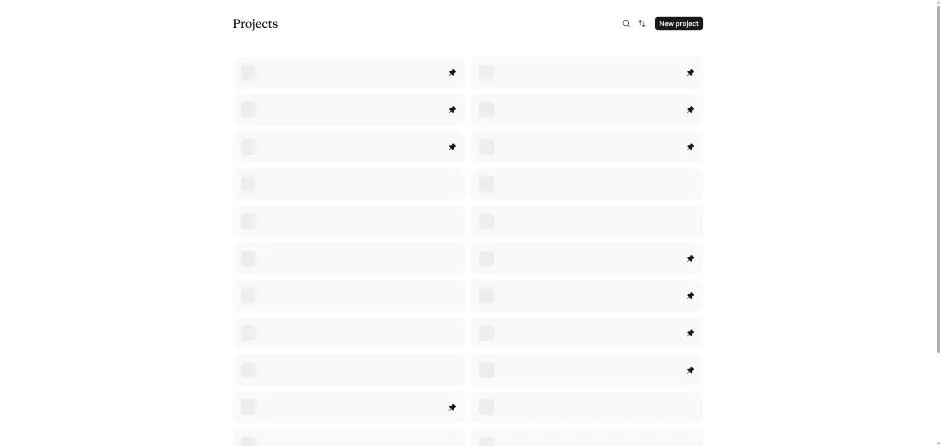
Click New project.
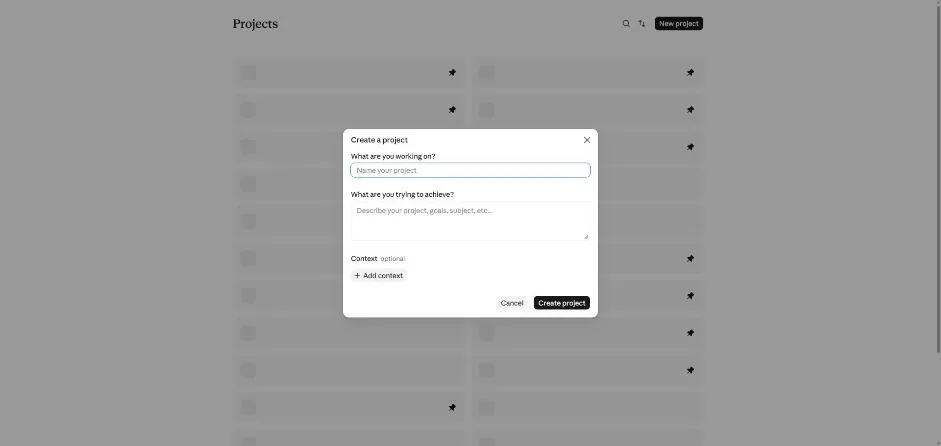
You see the Create a project box.
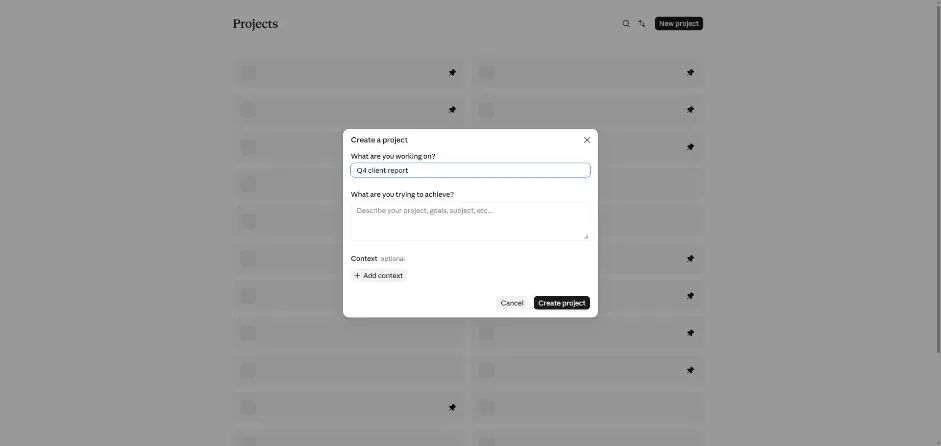
Type the test project name.
Q4 client report
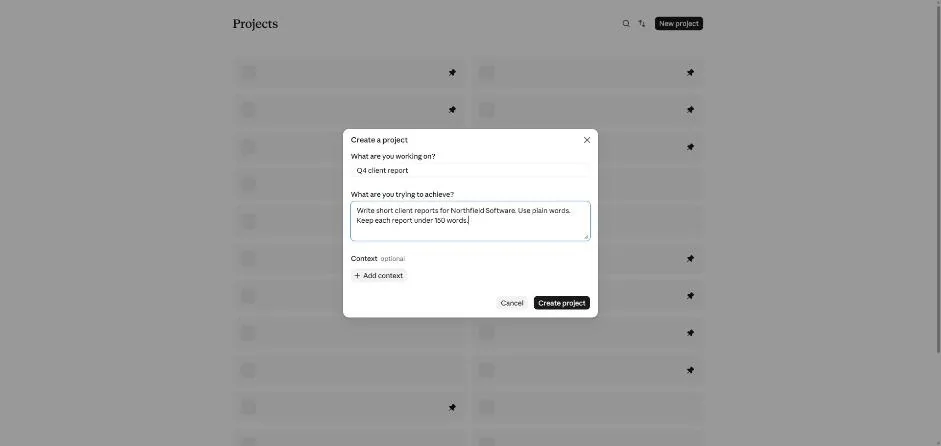
Type the project rules.
Write short client reports for Northfield Software. Use plain words. Keep each report under 150 words.
Add the test file to Context.
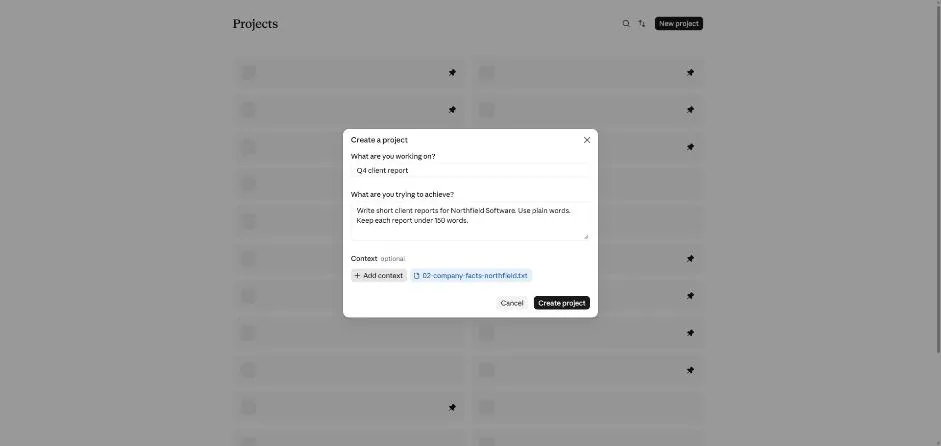
You see the file added to the project context.
Click Create project.
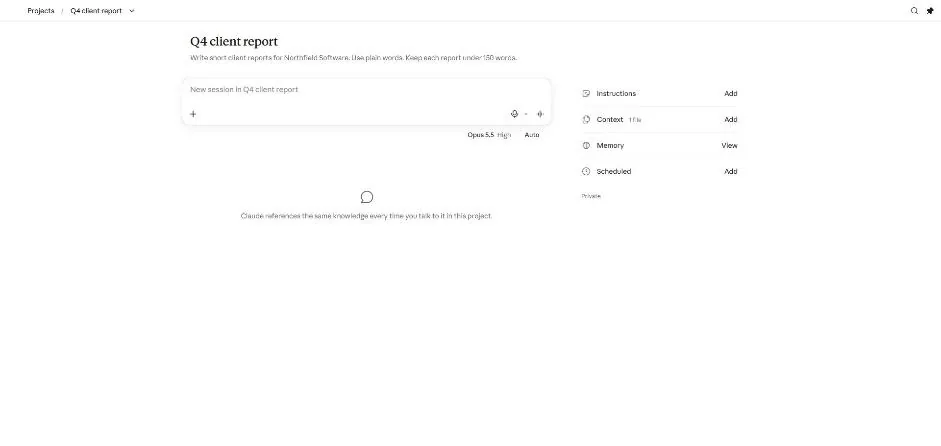
You see the project page with instructions and one context file.
Ask the first test question in the project.
Who reviews every blog post, and how fast?
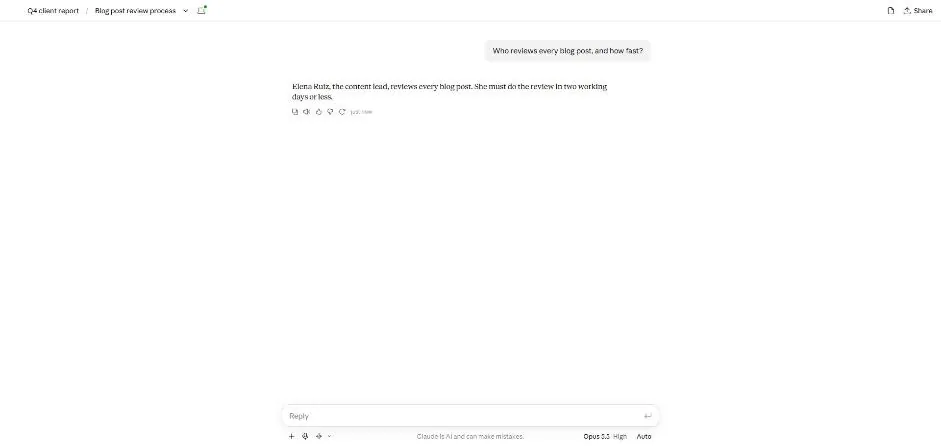
You see an answer identifying the reviewer and review time.
Start a new project chat and ask the second test question.
When does the newsletter go out?
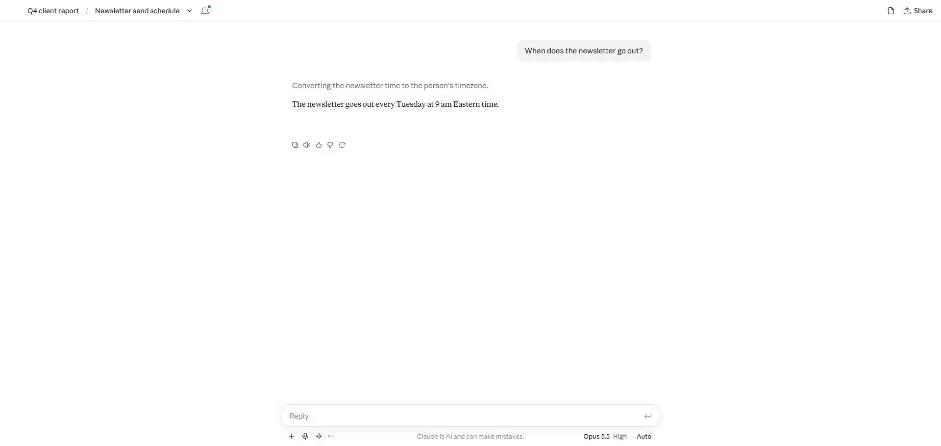
You see the newsletter day and time.
Click a picture to see it full size.