
Temporary chat in ChatGPT
Your plan
We haven't checked whether Temporary chat is in ChatGPT Free.
We haven't checked whether Temporary chat is in ChatGPT Go.
We haven't checked whether Temporary chat is in ChatGPT Plus.
We haven't checked whether Temporary chat is in ChatGPT Pro 100.
We haven't checked whether Temporary chat is in ChatGPT Pro 200.
We haven't checked whether Temporary chat is in ChatGPT Pro 500.
We haven't checked whether Temporary chat is in ChatGPT Business Standard.
We haven't checked whether Temporary chat is in ChatGPT Business Premium.
We haven't checked whether Temporary chat is in ChatGPT Enterprise.
We haven't checked whether Temporary chat is in ChatGPT Edu.
Tell us your plan to see the answer for it.
In each plan
We haven't checked which plans include this yet.
The catch
- Not saved to your history unless you choose to save it. Saving turns it into a normal chat
- OpenAI may keep a copy for up to 30 days
- Choose "Personalized" or "Unpersonalized" before the first message
Source for the catch: Temporary chat in ChatGPT, checked on 20 Oct 2026
Step by step
Open a Temporary chat.
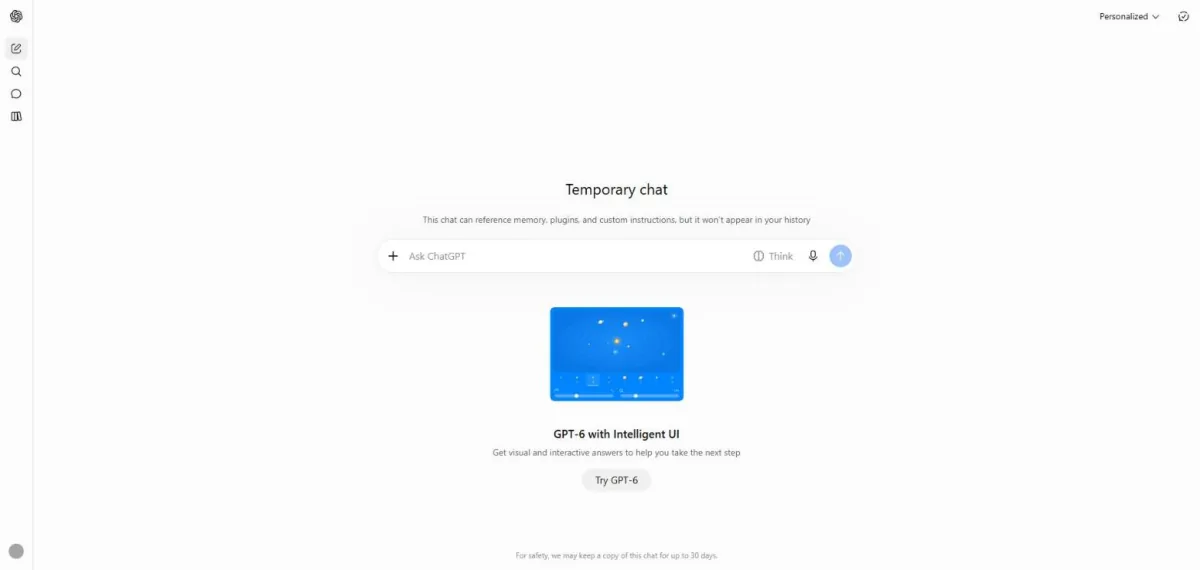
You see the Temporary chat heading and a note about how long a copy may be kept.
Ask for a short explanation of the 50/30/20 budget idea.
What is the 50/30/20 budgeting idea? Keep it short.
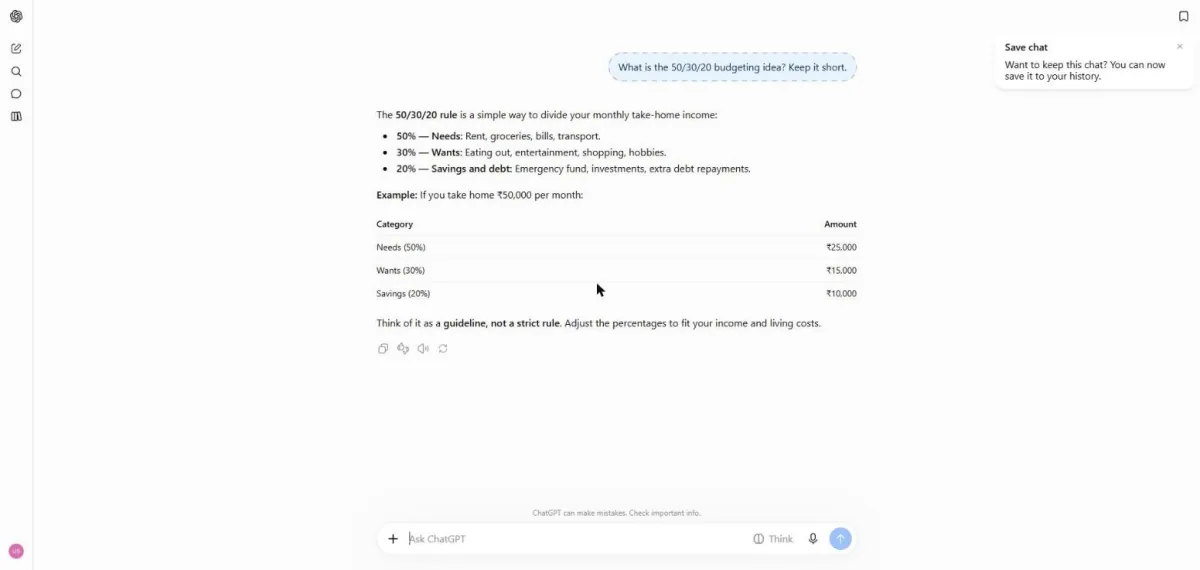
You see a short budget explanation and a small table.
Click a picture to see it full size.