
Archive, delete, data export, language setting in ChatGPT
Your plan
We haven't checked whether Archive, delete, data export, language setting is in ChatGPT Free.
We haven't checked whether Archive, delete, data export, language setting is in ChatGPT Go.
We haven't checked whether Archive, delete, data export, language setting is in ChatGPT Plus.
We haven't checked whether Archive, delete, data export, language setting is in ChatGPT Pro 100.
We haven't checked whether Archive, delete, data export, language setting is in ChatGPT Pro 200.
We haven't checked whether Archive, delete, data export, language setting is in ChatGPT Pro 500.
We haven't checked whether Archive, delete, data export, language setting is in ChatGPT Business Standard.
We haven't checked whether Archive, delete, data export, language setting is in ChatGPT Business Premium.
We haven't checked whether Archive, delete, data export, language setting is in ChatGPT Enterprise.
We haven't checked whether Archive, delete, data export, language setting is in ChatGPT Edu.
Tell us your plan to see the answer for it.
In each plan
We haven't checked which plans include this yet.
Step by step
Open the chat menu.
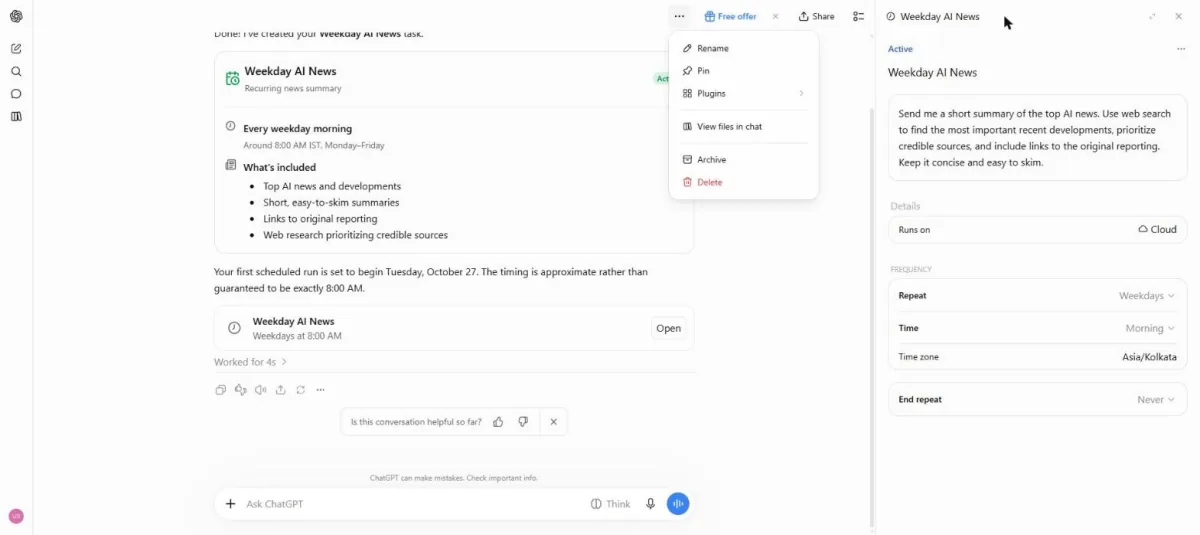
You see the chat menu with Archive and Delete.
Click Archive on the test task chat.
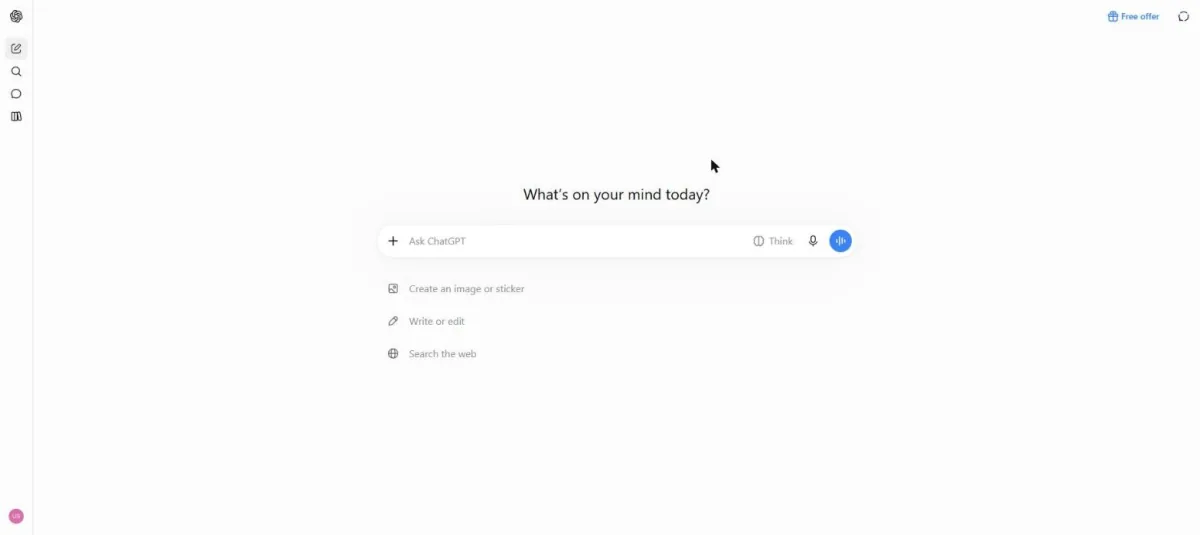
You see a new chat page after archiving the test chat.
Click a picture to see it full size.