
GPT-6 in Chat, with "Intelligent UI" in ChatGPT
Your plan
We haven't checked whether GPT-6 in Chat, with "Intelligent UI" is in ChatGPT Free.
We haven't checked whether GPT-6 in Chat, with "Intelligent UI" is in ChatGPT Go.
We haven't checked whether GPT-6 in Chat, with "Intelligent UI" is in ChatGPT Plus.
We haven't checked whether GPT-6 in Chat, with "Intelligent UI" is in ChatGPT Pro 100.
We haven't checked whether GPT-6 in Chat, with "Intelligent UI" is in ChatGPT Pro 200.
We haven't checked whether GPT-6 in Chat, with "Intelligent UI" is in ChatGPT Pro 500.
We haven't checked whether GPT-6 in Chat, with "Intelligent UI" is in ChatGPT Business Standard.
We haven't checked whether GPT-6 in Chat, with "Intelligent UI" is in ChatGPT Business Premium.
We haven't checked whether GPT-6 in Chat, with "Intelligent UI" is in ChatGPT Enterprise.
We haven't checked whether GPT-6 in Chat, with "Intelligent UI" is in ChatGPT Edu.
Tell us your plan to see the answer for it.
In each plan
We haven't checked which plans include this yet.
Step by step
Start a new chat with Think off and ask how a rainbow forms.
Explain how a rainbow forms.
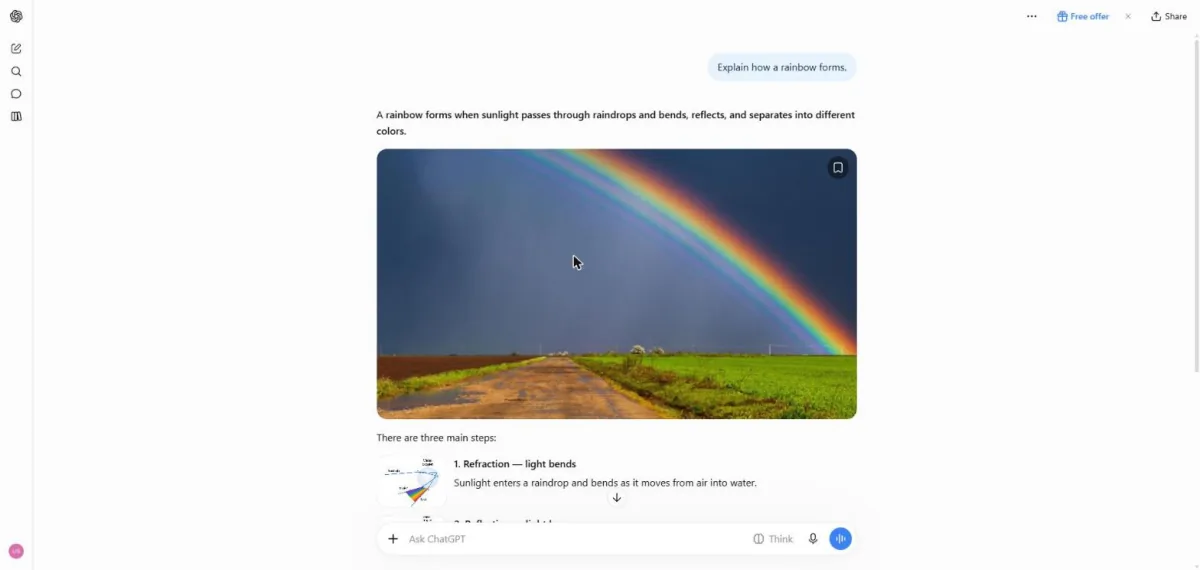
You see a short rainbow explanation and a large photo.
Scroll down in the answer.
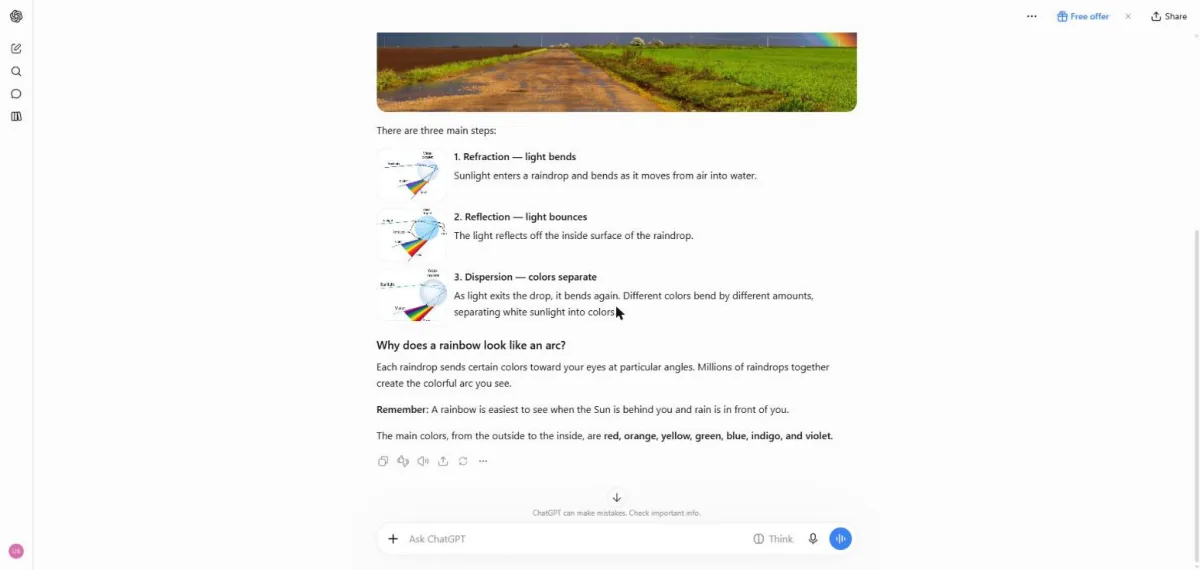
You see three rainbow formation steps with small diagrams.
Click a picture to see it full size.